

Design once · every future deliverable stays on-brand

Describe the brand and the Agent renders a full mark system through `vb image`: primary, wordmark, favicon, dark/light lockups, plus the palette saved as hex tokens. The whole brand setup lands as a `brand-tokens.json` in your Drive — next time you ask for "a business card / banner / email signature", the Agent reads that file first, then renders. Same colors and marks without you re-explaining.

A peek at what you get

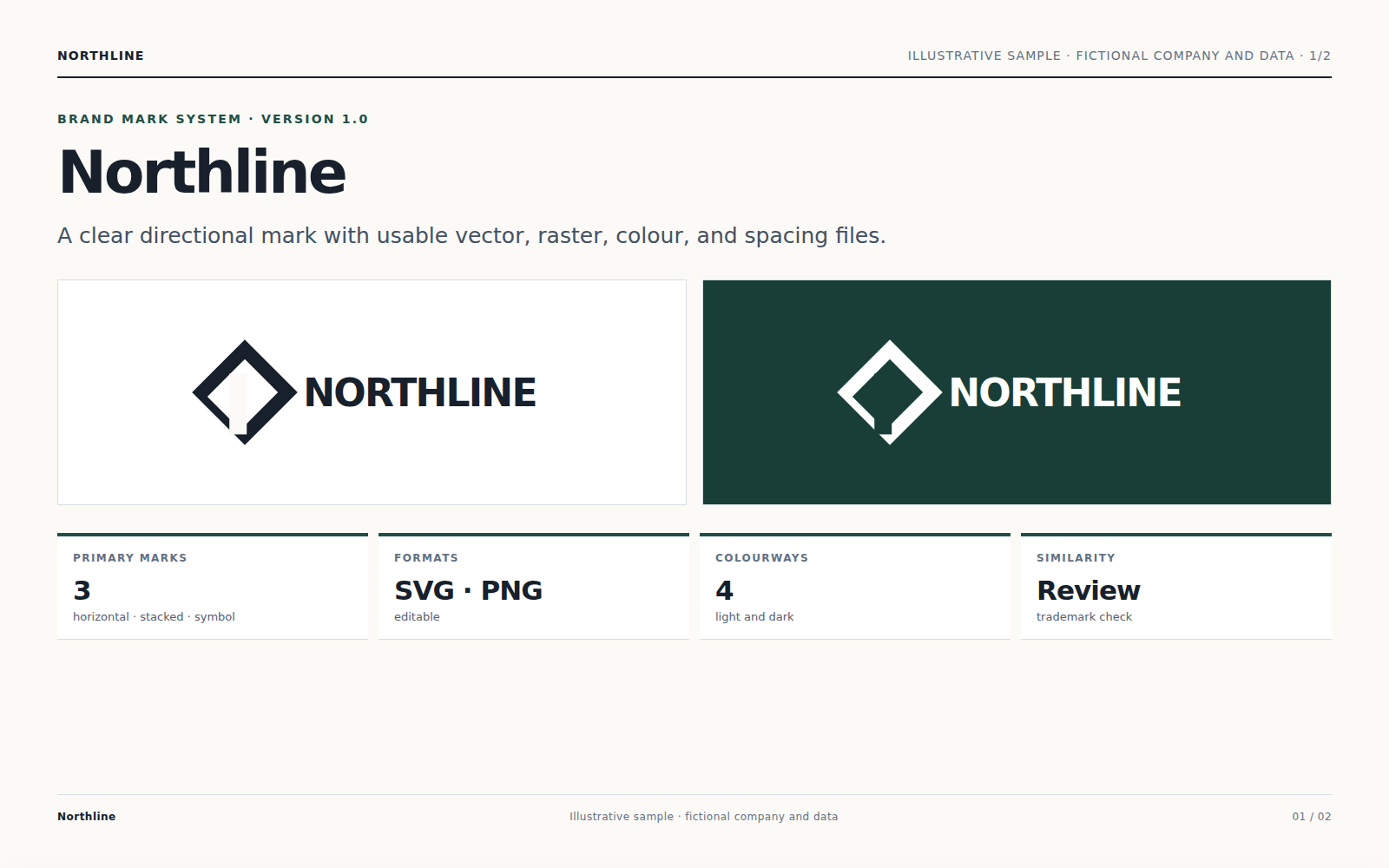
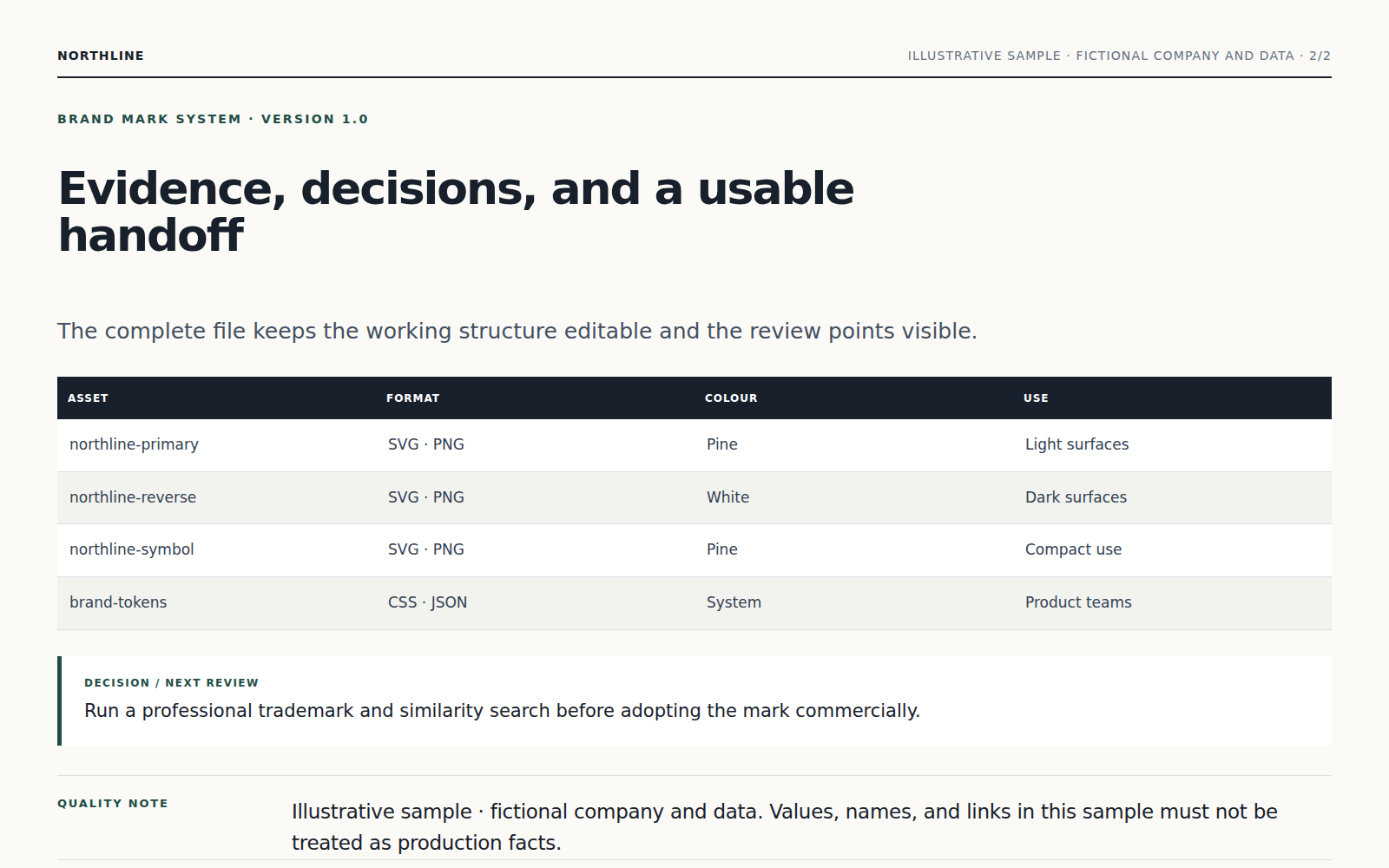
Mark candidates
Page 1 of 4·Mark candidates
Color system
Page 2 of 4·Color system
Small-size test
Page 3 of 4·Small-size test
Brand tokens · saved to Drive
Page 4 of 4·Brand tokens · saved to Drive

Brand tokens saved to Drive · downstream deliverables read the file

After you sign off on the logo, the Agent writes a brand-tokens.json to your Drive — palette hexes, typography choice, mark file paths. Ask later for a business card or an Instagram banner: the Agent reads brand-tokens.json first, then renders. Same colors and marks, no re-explanation.

PENCIL
brand-tokens.json
1.2 KB · palette + type + mark paths
in Drive
{
  "palette": {
    "primary": "#1E3A5F",
    "accent":  "#B58A2F",
    "surface": "#FAFAF7"
  },
  "type": { "wordmark": "Fraunces 600 / -0.02em" },
  "mark": "/brand/pencil/mark.svg"
}
Downstream Drive deliverables that read this file
Business card
reads palette + mark · 14 days later
IG header
reads palette + mark · campaign week
Email signature
reads mark + type · onboarding kit
Pitch deck cover
reads palette + mark · investor draft

Scale ladder · survives the 16-pixel favicon test

Most AI logo tools render something gorgeous at 512 px and unreadable at 32. The Agent rejects any candidate that fails at favicon size before showing it to you.

PENCIL
256pxpasses
PENCIL
128pxpasses
64pxpasses
32pxpasses
16pxpasses
pencil-mark.svg
2 KB · paths
pencil-1024.png
48 KB
favicon.ico
16 / 32 / 48
brand-tokens.css
hex + variables

How it works

Step 01

Describe the brand in your own words

Brand name, what you sell, who buys it, the feeling you want. Don't worry if it's vague — the Agent asks follow-up questions in chat to narrow tone, audience, and dos/don'ts before sketching anything.

Step 02

See 3–4 candidates · pick

Each candidate is a real `vb image generate` rendering, not a stock template tinted with your color. You pick one, ask for tweaks in chat ("make the counterspace tighter", "swap the accent to a deeper teal") and the Agent re-renders only the changes.

Step 03

Pick up the kit · save as workflow

Final kit lands in your Drive: SVG / PNG in every size, favicon, color swatches, typography choices, plus a `brand-tokens.json` that captures the whole setup. Next time you ask Vecbase for a business card, banner, or email signature, the Agent reads brand-tokens.json first, then renders. You don't re-explain the brand.

Why Vecbase for this

Saved brand · downstream deliverables stay on-brand without re-prompting

The brand kit isn't an export-and-forget thing. The Agent writes `brand-tokens.json` into your Drive alongside the marks. When you later say "make me a business card" or "design an IG banner for the May campaign", the Agent reads that JSON first — same hexes, same marks, same typography. No "can you remind me what color blue we use".

Real SVG with editable paths · not a flattened PNG masquerading as SVG

The Agent renders the candidate, then traces it to clean SVG paths and ships the path file. You can open it in Figma / Illustrator, recolor, scale, refactor — it's a real mark you own, not a pixel grid you can never edit without quality loss.

It actually survives the 16px favicon test

Most AI logo tools generate something gorgeous at 512px and unreadable at 32px. The Agent renders at 16 / 32 / 64 / 128 / 256 / 1024 during candidate generation and rejects any candidate that fails to read at favicon size. The small-size sheet ships with the kit so you can spot-check on day one.

Tweaks are conversational, not "regenerate the whole thing"

Tell the Agent in chat "make the M counter tighter", "swap the accent to a deeper teal", "render a horizontal lockup for the email signature" — only the requested change is re-rendered. Tools that re-roll the entire concept on every tweak waste credits and never converge.

Frequently asked

No. Describe the brand in words ("calm, trustworthy, slightly editorial") and the Agent proposes a 5-color palette to anchor the system. You can swap any hex in chat ("the accent looks too saturated, push it 20% softer") and the palette regenerates with the change. Pick before exporting — not before starting.

Get yours in under 90 seconds

Sign in, hand it over to the Agent — the finished file lands in your Drive.