


Understands the task, not just the file
The Agent clarifies the message, arranges the page around one action, and builds a responsive, accessible design from the brief.
Explain the offer, audience, and action. The Vecbase Agent shapes the message, builds a responsive page, and gives you a live preview with source files you can keep editing.
Describe the product, audience, offer, and primary action. Attach brand assets, screenshots, or source copy when available.
The Agent clarifies the message, arranges the page around one action, and builds a responsive, accessible design from the brief.
Receive a working page and deployable files, then continue changing sections, copy, layout, or visual direction in conversation.
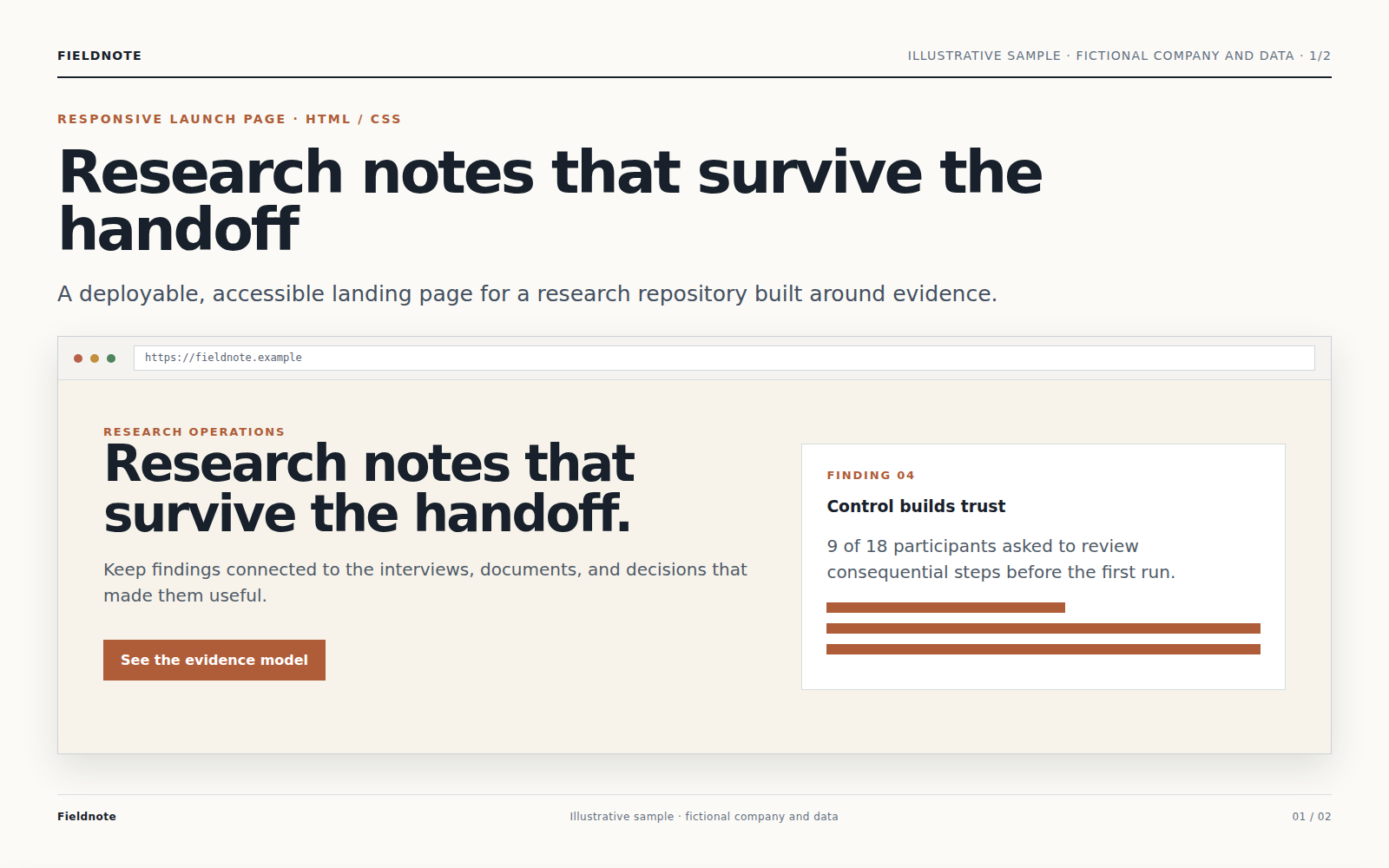
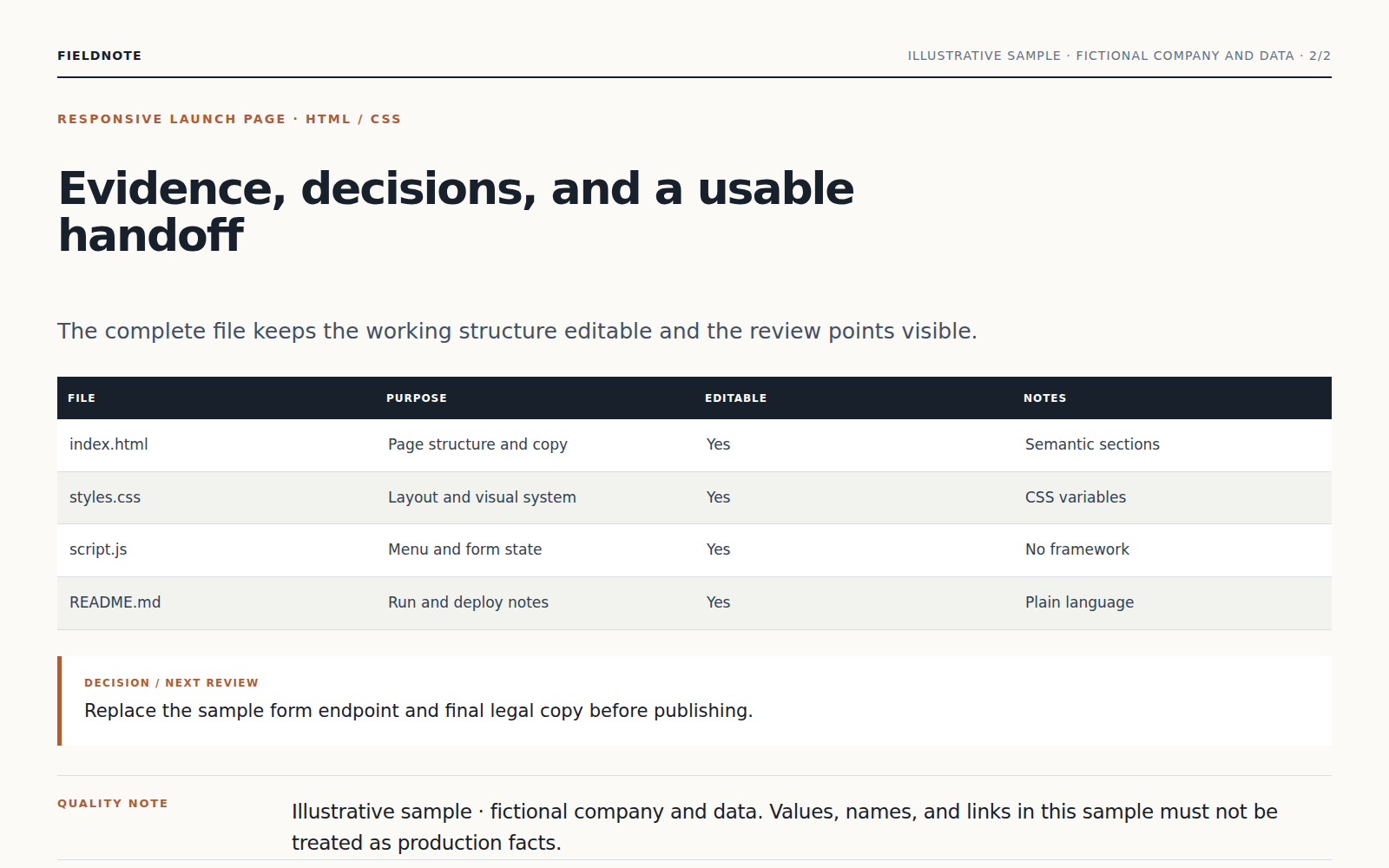
The Agent clarifies the message, arranges the page around one action, and builds a responsive, accessible design from the brief.
Product claims, customer proof, and usage numbers are included only when you provide a reliable source for them.
Receive a working page and deployable files, then continue changing sections, copy, layout, or visual direction in conversation.
Describe the product, audience, offer, and primary action. Attach brand assets, screenshots, or source copy when available.
The Agent clarifies the message, arranges the page around one action, and builds a responsive, accessible design from the brief.
Product claims, customer proof, and usage numbers are included only when you provide a reliable source for them.
Yes. Continue in the same conversation to change the focus, wording, scope, or format. Receive a working page and deployable files, then continue changing sections, copy, layout, or visual direction in conversation.
Keep working with the same material without moving it between separate products.
Describe your brand, audience, and visual direction. Vecbase develops distinct logo concepts and delivers editable marks, lockups, colors, and usage guidance.
Add your resume, project notes, and links. Vecbase organizes real work into focused case studies and delivers a responsive portfolio with deployable source files.
Upload product photos and choose marketplace requirements. Vecbase removes backgrounds, standardizes framing, and exports consistent images in each requested size.
Vecbase
For landing-page creation, add a product brief and brand assets, explain what matters, and let the Vecbase Agent prepare a publishable landing page you can review and refine.