


Comprende l’attività
L’Agent combina istruzioni e fonti invece di applicare una conversione automatica.
Aggiungi i materiali necessari (una scaletta, un documento o appunti di partenza) e descrivi ciò che ti serve. Otterrai una presentazione modificabile, che potrai verificare e perfezionare prima di scaricare.
Fornisci una scaletta, un documento o appunti di partenza e i dettagli importanti per questa attività.
L’Agent esamina le fonti, segue i requisiti e prepara una presentazione modificabile.
Controlla il risultato, chiedi modifiche nella stessa conversazione e scarica la versione finale.
Apri il file completo o consulta le pagine principali qui sotto.
Apri il file completo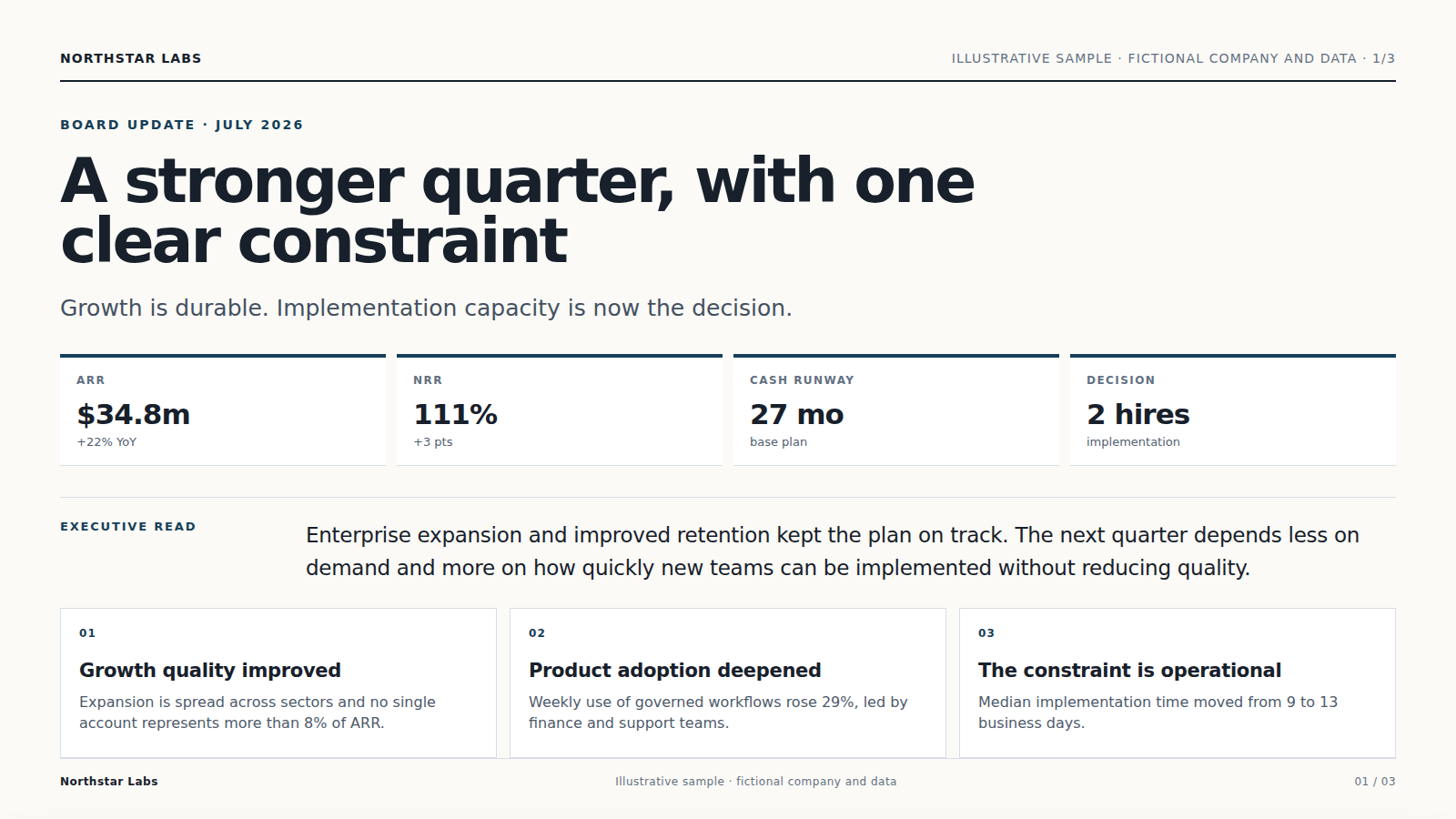
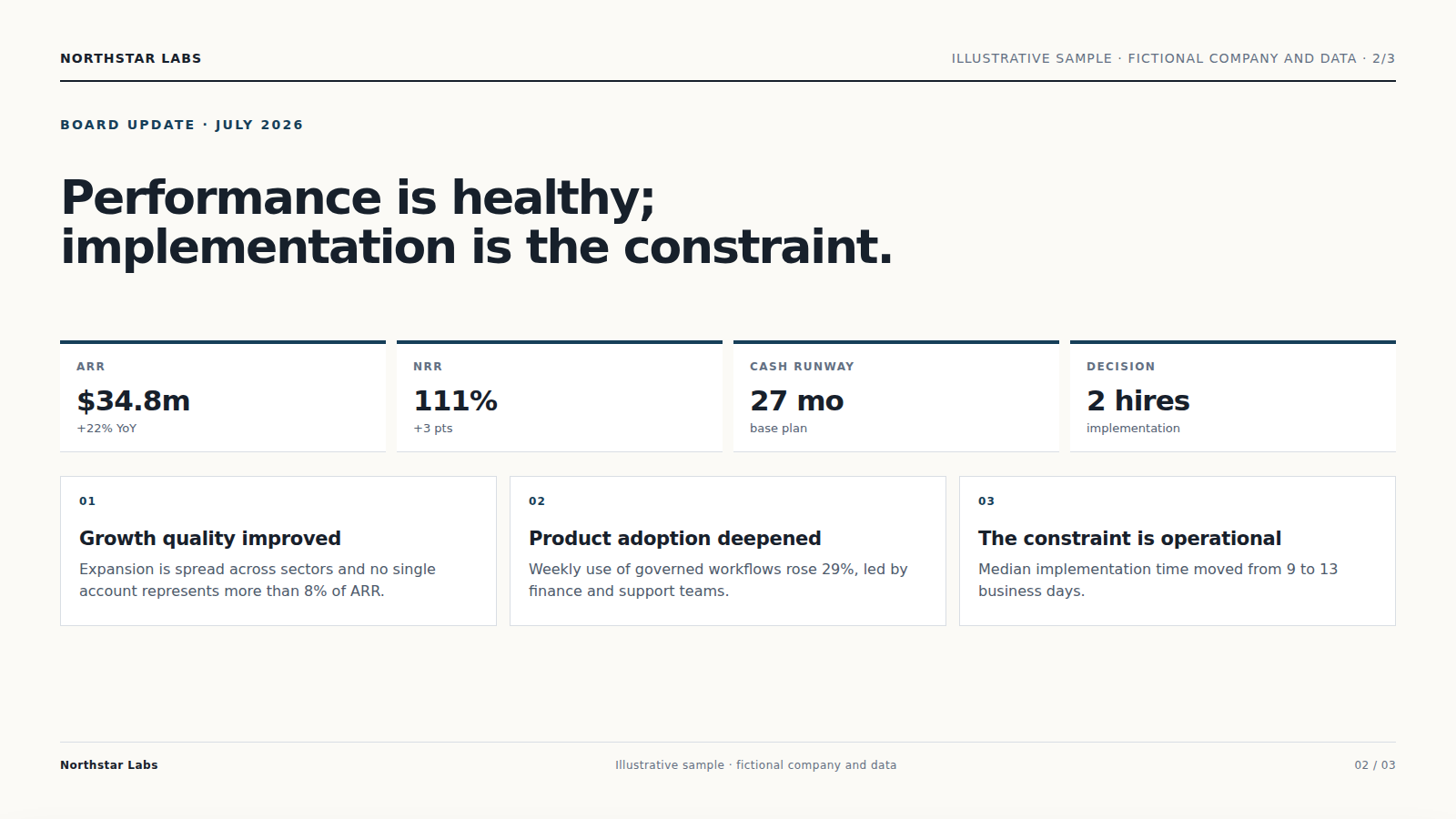
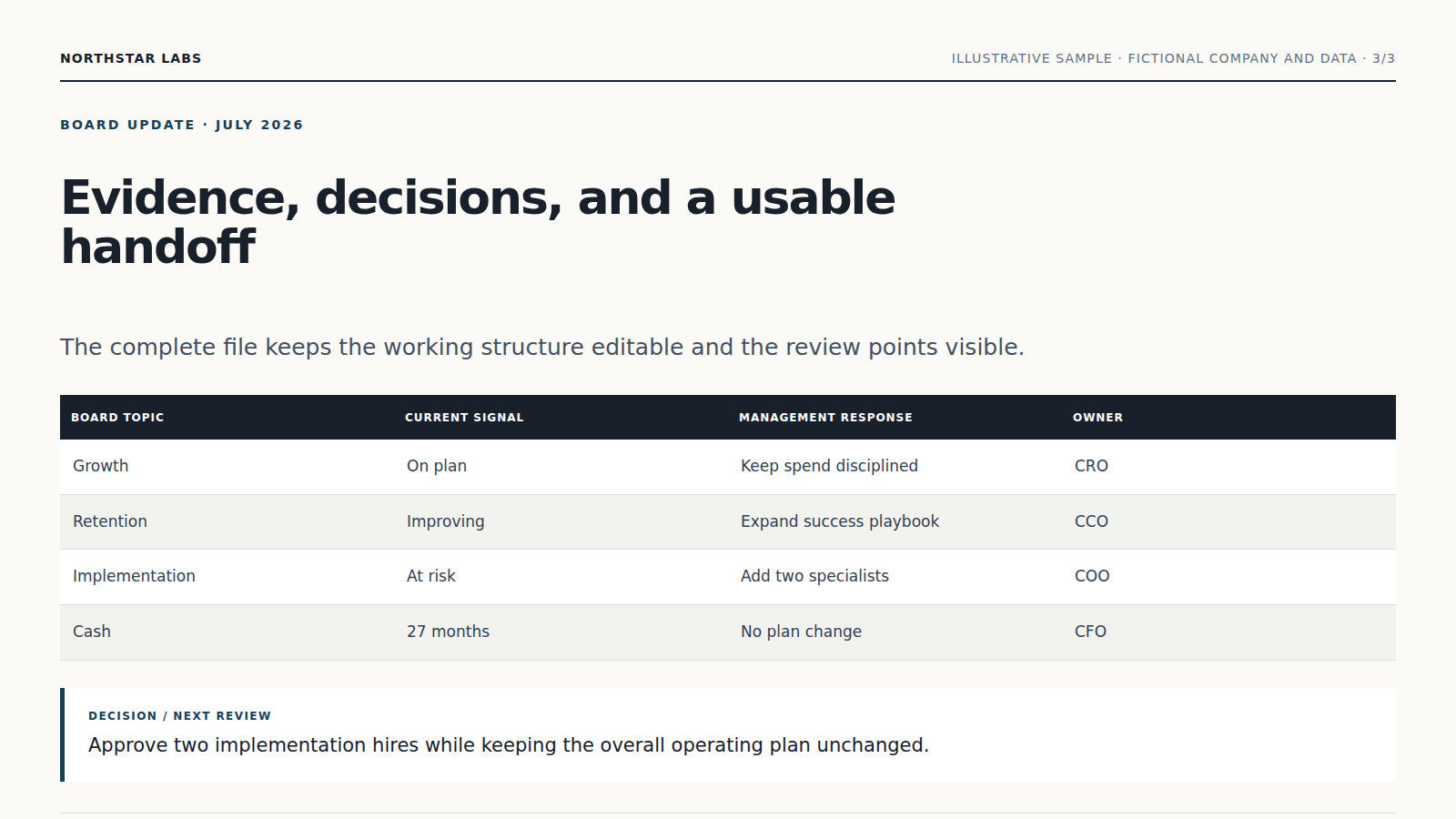
L’Agent combina istruzioni e fonti invece di applicare una conversione automatica.
Le informazioni importanti restano collegate ai materiali e le incertezze vengono segnalate.
Ricevi una presentazione modificabile che puoi verificare, scaricare e migliorare senza ricominciare.
Inizia con una scaletta, un documento o appunti di partenza e aggiungi pubblico, obiettivo, vincoli e formato desiderato.
Legge le fonti, pianifica il lavoro, usa gli strumenti adatti e prepara una presentazione modificabile da verificare.
Sì. Verifica il risultato e chiedi spiegazioni o modifiche prima di usarlo.
Sì. Nella stessa conversazione puoi cambiare priorità, testo, ambito o formato.
Continua a lavorare sugli stessi materiali senza spostare file tra prodotti diversi.
Per analisi dei dati, aggiungi un file Excel, CSV o TSV. L’agente Vecbase prepara un rapporto di analisi chiaro da verificare e modificare.
Per creazione di landing page, aggiungi un brief di prodotto e materiali del marchio. L’agente Vecbase prepara una landing page pronta da pubblicare da verificare e modificare.
Per creazione di mappe mentali, aggiungi documenti, appunti o un argomento. L’agente Vecbase prepara una mappa mentale modificabile da verificare e modificare.
Vecbase
Per creazione di presentazioni, aggiungi una scaletta, un documento o appunti di partenza, indica ciò che conta di più e lascia che l’agente IA di Vecbase prepari una presentazione modificabile, che potrai verificare e perfezionare.