


Understands the task, not just the file
The Agent builds the story, slide hierarchy, and visual rhythm, then turns the source material into purposeful layouts and charts.
Describe the topic or add source material. The Vecbase Agent organizes the story, writes concise slides, and produces a real PPTX you can refine in PowerPoint or Keynote.
Describe the audience and goal, then paste an outline or attach the source notes, document, or spreadsheet.
The Agent builds the story, slide hierarchy, and visual rhythm, then turns the source material into purposeful layouts and charts.
Download an editable PPTX and continue refining individual slides, tone, length, or visual direction in conversation.
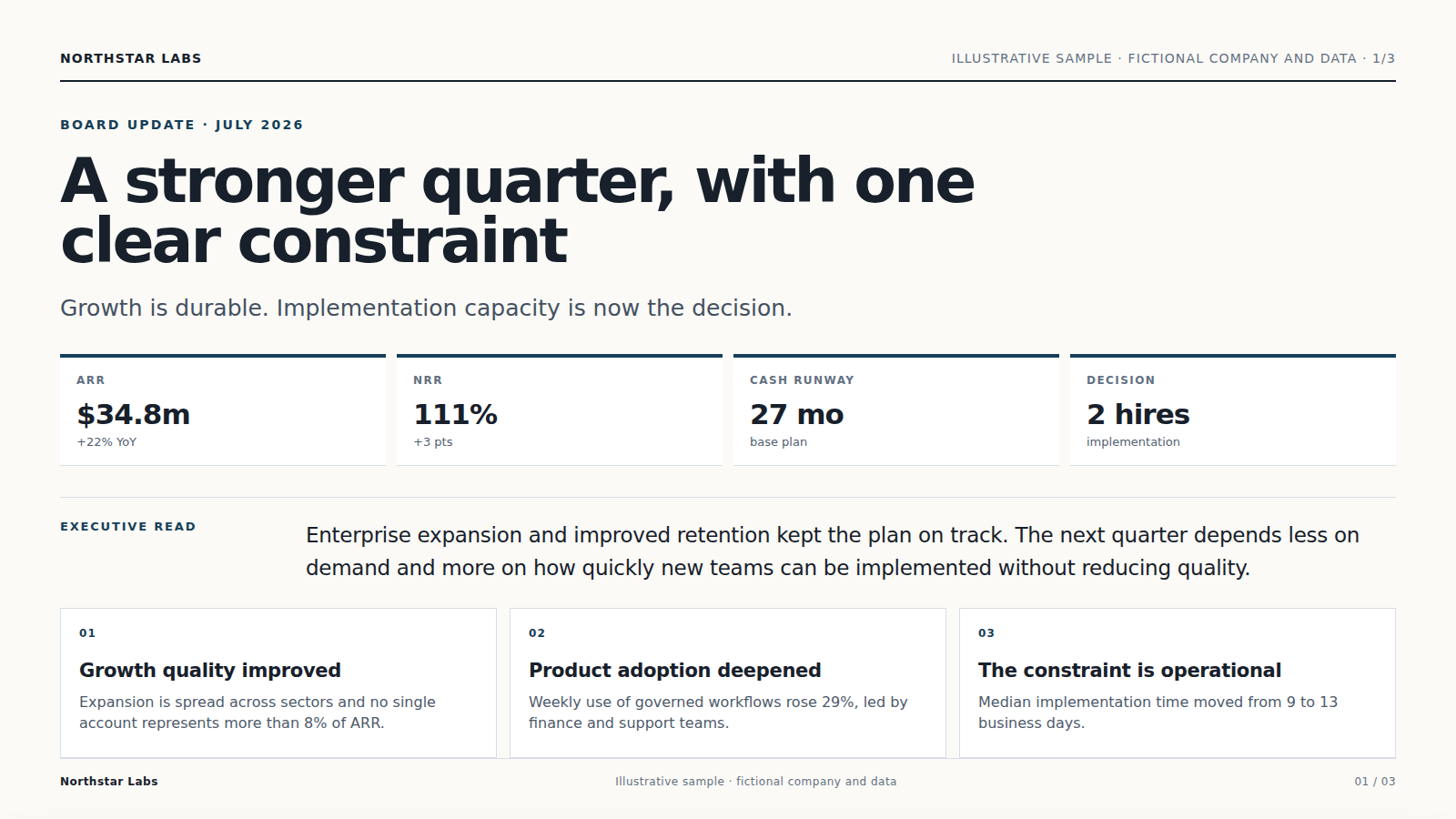
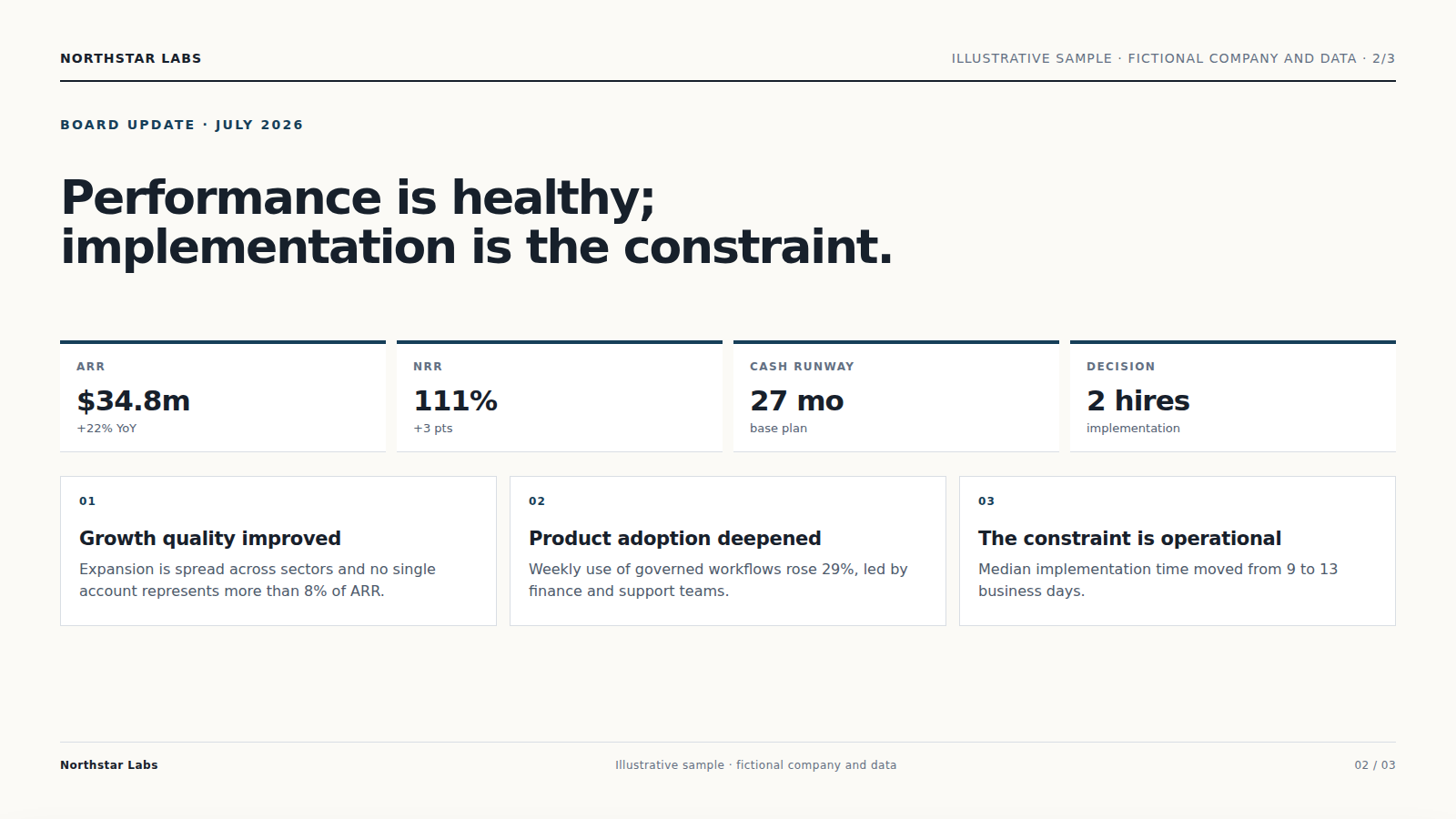
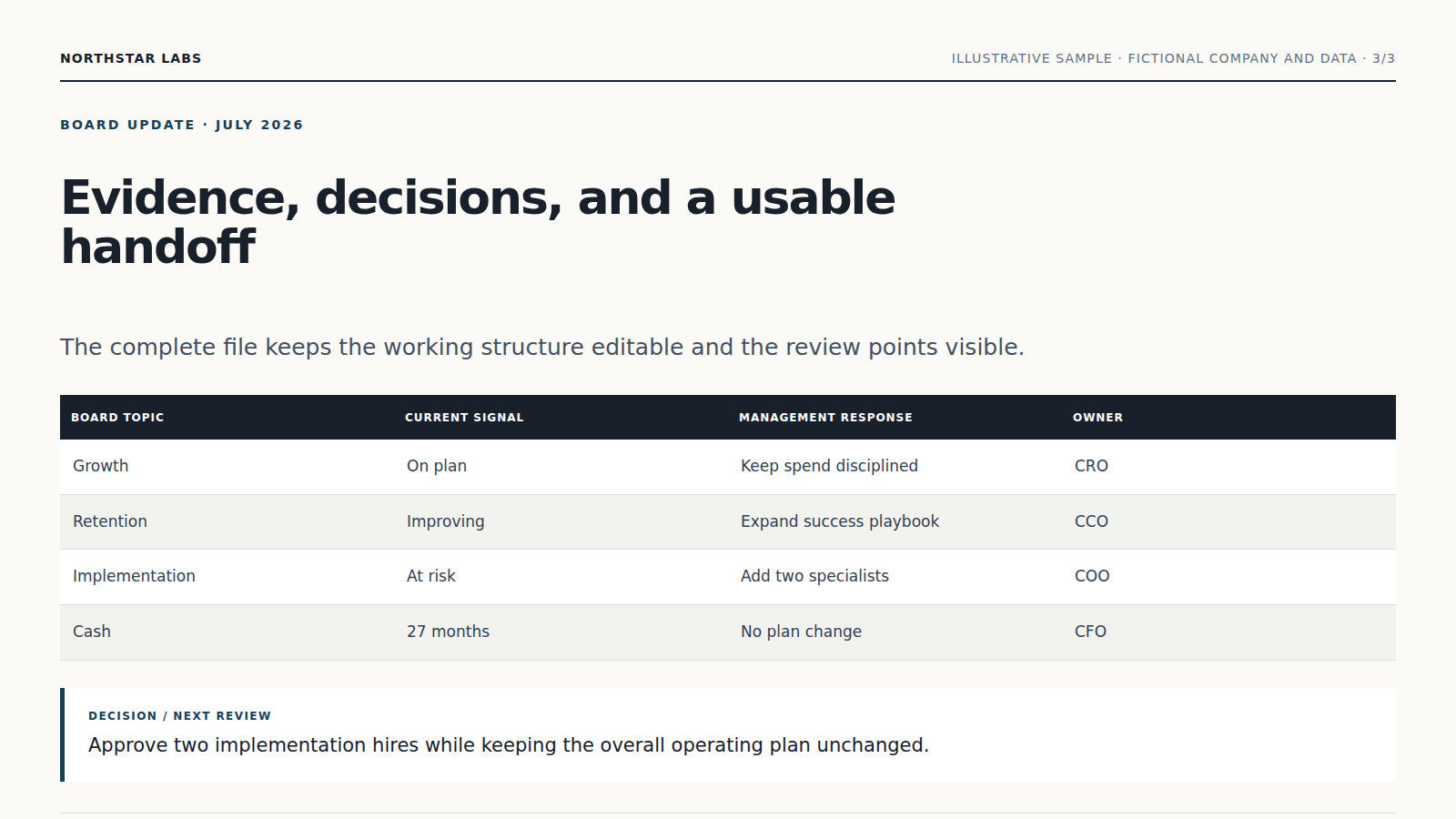
The Agent builds the story, slide hierarchy, and visual rhythm, then turns the source material into purposeful layouts and charts.
Facts, charts, quotations, and business results remain grounded in the material you provide; unsupported claims are flagged.
Download an editable PPTX and continue refining individual slides, tone, length, or visual direction in conversation.
Describe the audience and goal, then paste an outline or attach the source notes, document, or spreadsheet.
The Agent builds the story, slide hierarchy, and visual rhythm, then turns the source material into purposeful layouts and charts.
Facts, charts, quotations, and business results remain grounded in the material you provide; unsupported claims are flagged.
Yes. Continue in the same conversation to change the focus, wording, scope, or format. Download an editable PPTX and continue refining individual slides, tone, length, or visual direction in conversation.
Keep working with the same material without moving it between separate products.
Run data analysis on Excel or CSV. Vecbase checks fields and calculations, then creates a PDF report with KPI cards, charts, sourced findings, and next actions.
Describe the offer, audience, and action you need. Vecbase designs a responsive, accessible landing page and returns a live preview with deployable source files.
Upload a document, outline, or meeting notes. Vecbase organizes the ideas into a clear, editable mind map and exports SVG, PNG, PDF, and a Markdown outline.
Vecbase
For presentation creation, add an outline, document, or source notes, explain what matters, and let the Vecbase Agent prepare an editable slide deck you can review and refine.