


Understands the task, not just the file
The Agent finds the central question, groups related ideas, removes repetition, and builds a readable hierarchy of branches.
Add an outline, document, or meeting notes. The Vecbase Agent finds the hierarchy, preserves important nuance, and delivers a map plus its editable outline.
Describe the topic or paste the notes to organize. Attach a document when the useful context already lives in a file.
The Agent finds the central question, groups related ideas, removes repetition, and builds a readable hierarchy of branches.
Receive a visual map and structured outline that you can reorganize, expand, or simplify with follow-up instructions.
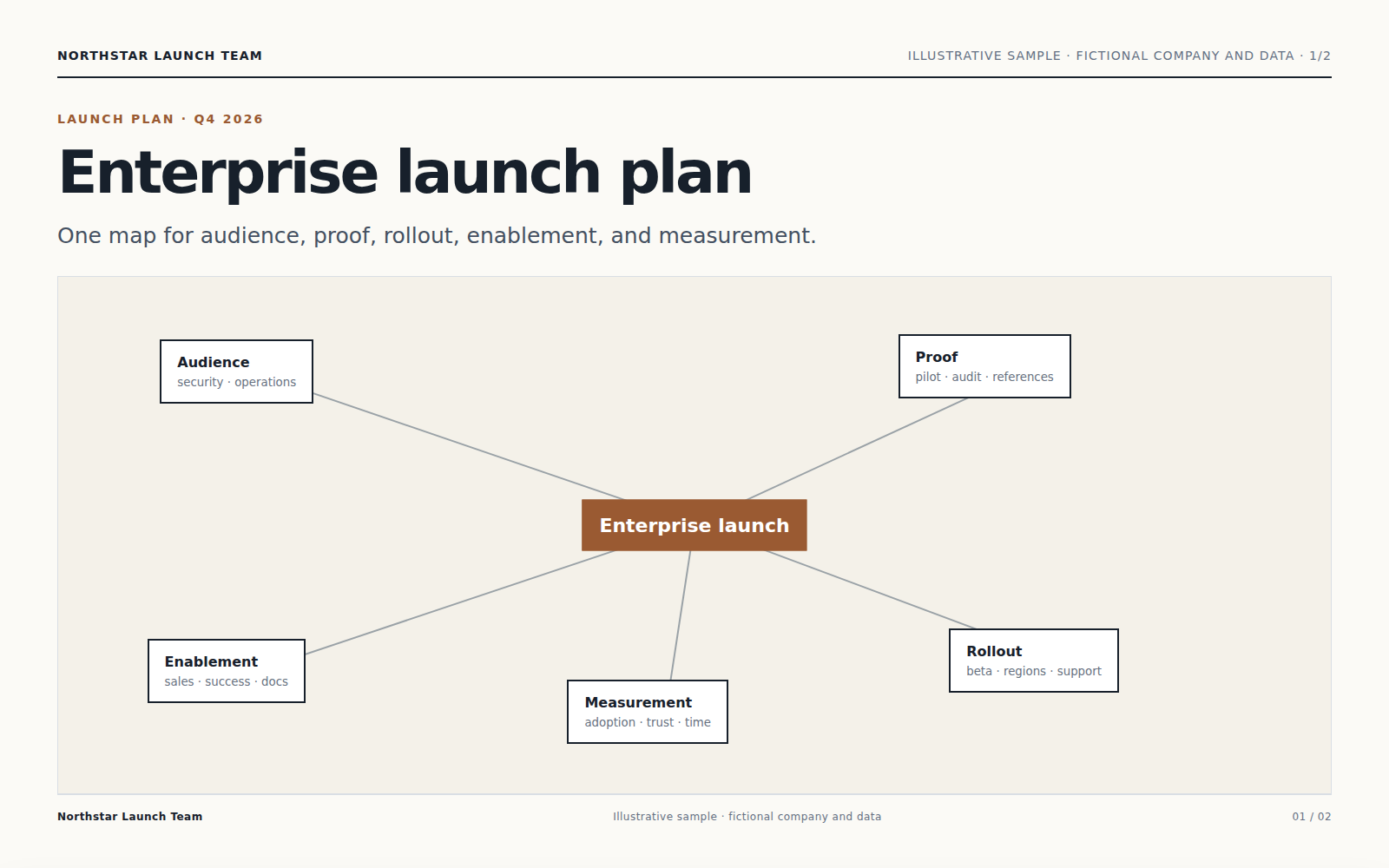
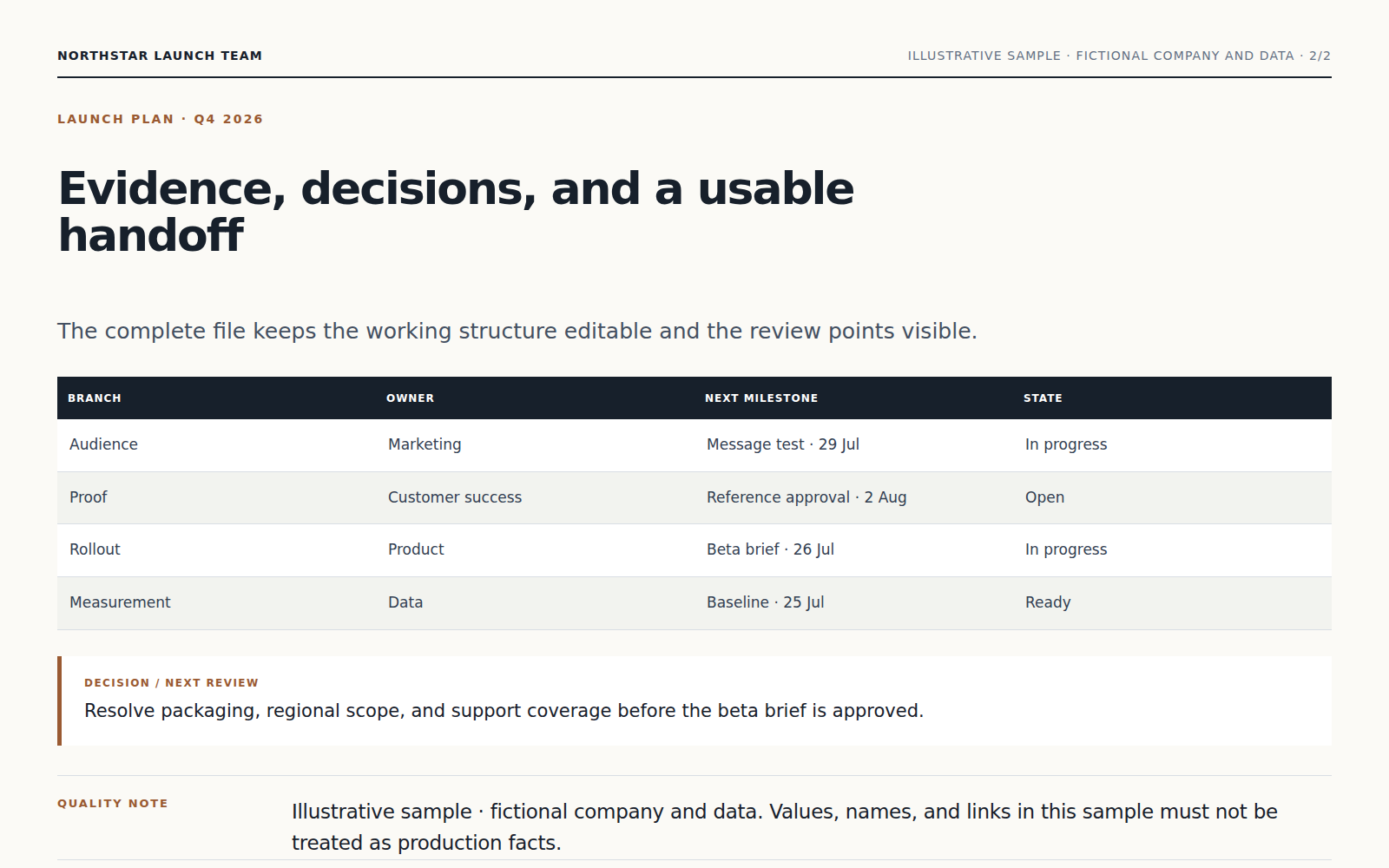
The Agent finds the central question, groups related ideas, removes repetition, and builds a readable hierarchy of branches.
Every branch is derived from the supplied topic or material; assumptions and newly suggested ideas are labeled separately.
Receive a visual map and structured outline that you can reorganize, expand, or simplify with follow-up instructions.
Describe the topic or paste the notes to organize. Attach a document when the useful context already lives in a file.
The Agent finds the central question, groups related ideas, removes repetition, and builds a readable hierarchy of branches.
Every branch is derived from the supplied topic or material; assumptions and newly suggested ideas are labeled separately.
Yes. Continue in the same conversation to change the focus, wording, scope, or format. Receive a visual map and structured outline that you can reorganize, expand, or simplify with follow-up instructions.
Keep working with the same material without moving it between separate products.
Upload a meeting recording or notes. Vecbase transcribes and organizes the discussion into decisions, open questions, owners, and action items you can review.
Create an editable presentation from a topic or source material. Vecbase structures the story, writes concise slides, and produces a PPTX with purposeful layouts.
Upload the papers you want reviewed. Vecbase compares methods, evidence, disagreements, and gaps, then produces a structured synthesis with citations you can verify.
Vecbase
For mind-map creation, add documents, notes, or a topic, explain what matters, and let the Vecbase Agent prepare an editable mind map you can review and refine.