


Understands the task, not just the file
The Agent turns those facts into a structured draft, highlights missing choices, and explains clauses that need legal review.
Provide the parties, purpose, term, and jurisdiction. The Vecbase Agent drafts the agreement, asks for missing terms, and highlights the clauses that need legal review.
Describe the parties, purpose, confidential information, term, and governing location. Attach an existing draft if one must be revised.
The Agent turns those facts into a structured draft, highlights missing choices, and explains clauses that need legal review.
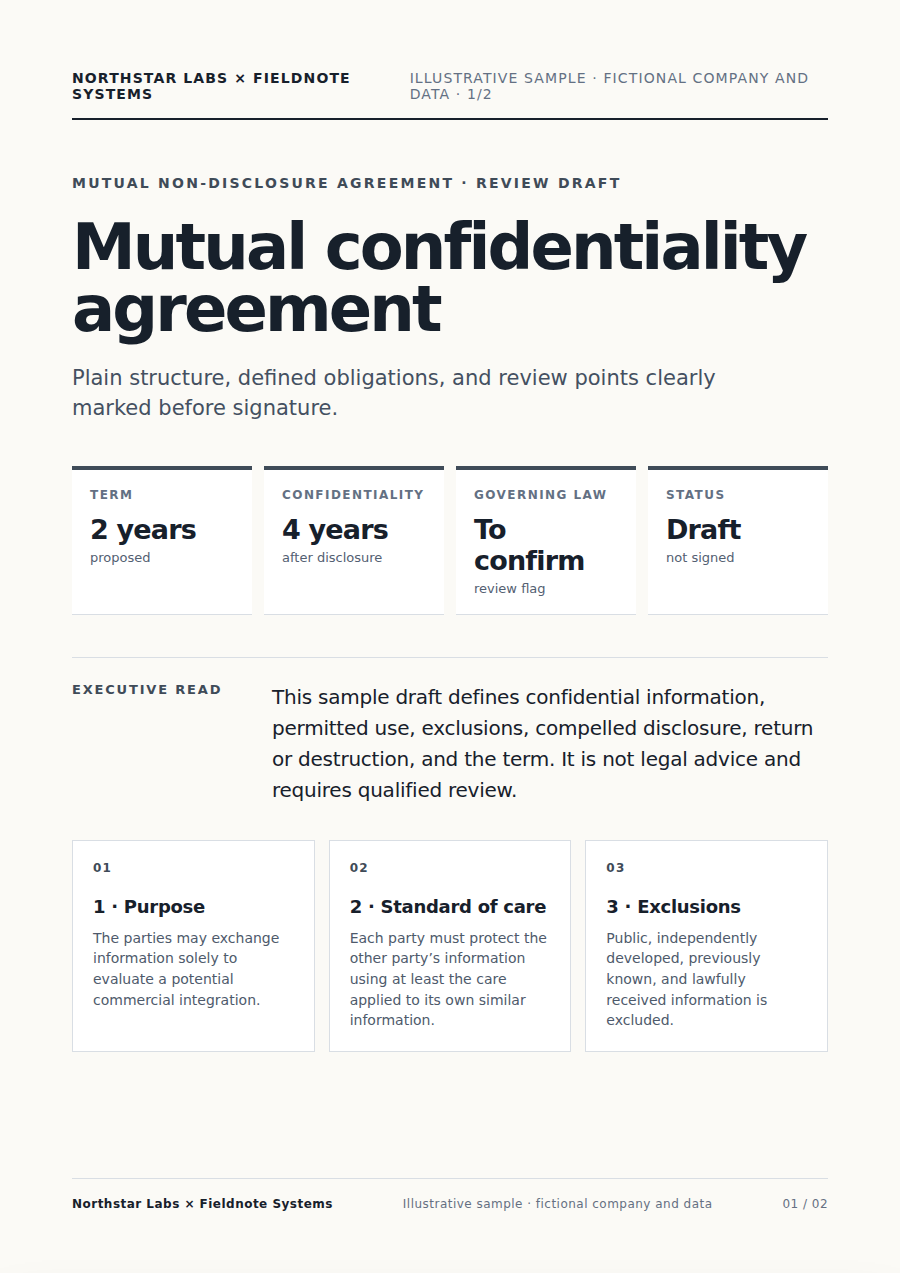
Download an editable NDA draft and keep revising the scope, wording, or clause choices before professional legal review.
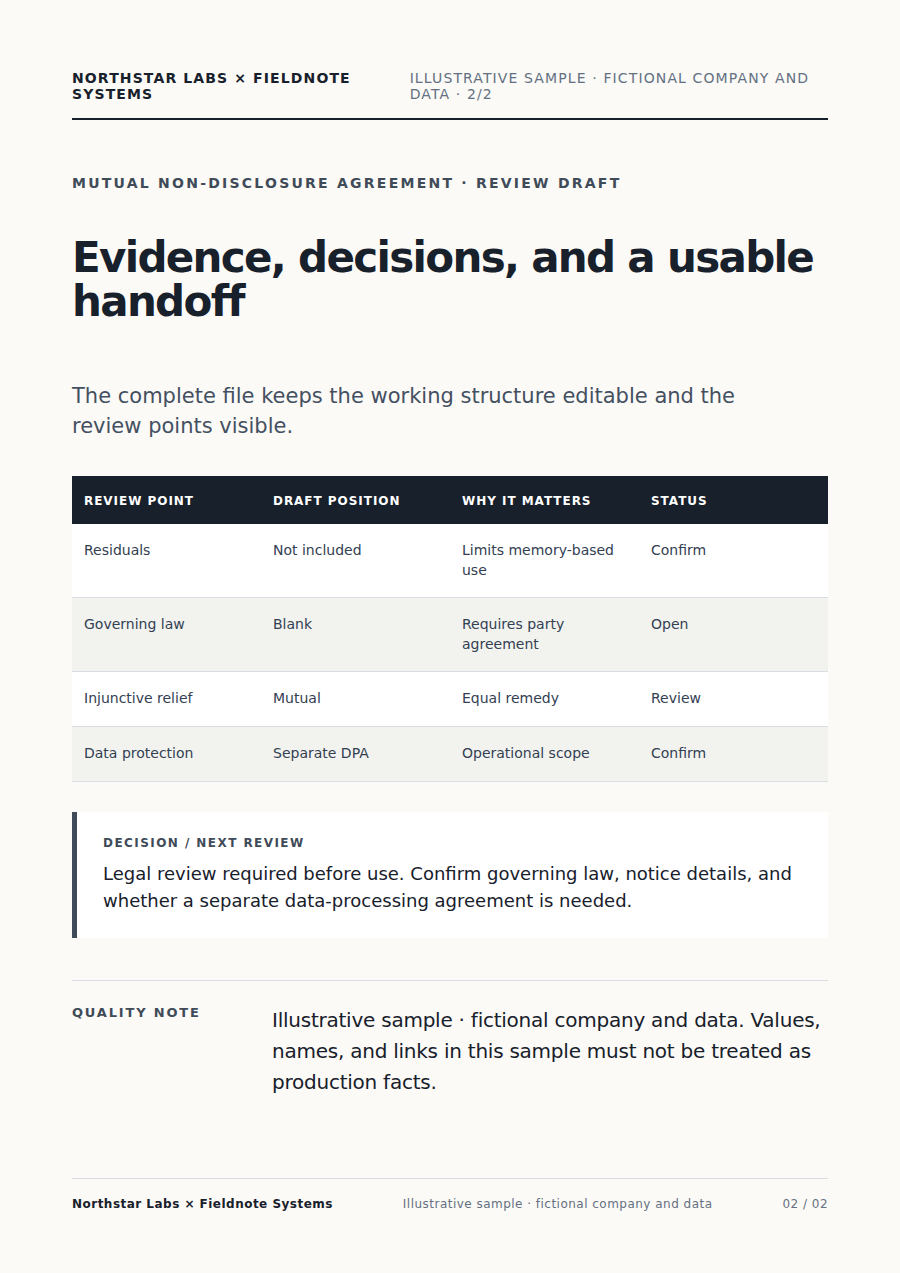
The Agent turns those facts into a structured draft, highlights missing choices, and explains clauses that need legal review.
The draft uses only the facts and choices you provide. It is a working document, not legal advice or a guarantee of enforceability.
Download an editable NDA draft and keep revising the scope, wording, or clause choices before professional legal review.
Describe the parties, purpose, confidential information, term, and governing location. Attach an existing draft if one must be revised.
The Agent turns those facts into a structured draft, highlights missing choices, and explains clauses that need legal review.
The draft uses only the facts and choices you provide. It is a working document, not legal advice or a guarantee of enforceability.
Yes. Continue in the same conversation to change the focus, wording, scope, or format. Download an editable NDA draft and keep revising the scope, wording, or clause choices before professional legal review.
Keep working with the same material without moving it between separate products.
Convert PDF files into editable Word documents online. A Document Assistant can OCR scanned pages, rebuild tables and columns, and deliver a review-ready DOCX.
Create a financial report from spreadsheets or exports. Vecbase reconciles the figures and explains P&L, cash flow, variances, source checks, and open questions.
Name the competitors and decision you are making. Vecbase compares current pricing, product, docs, reviews, and news, with dated citations and a clear report.
Vecbase
For NDA drafting, add deal terms or a reference agreement, explain what matters, and let the Vecbase Agent prepare an editable NDA draft you can review and refine.