


Entiende la tarea
El Agent combina tus instrucciones con las fuentes en vez de aplicar una conversión automática.
Añade el material necesario (un archivo de vídeo) y describe lo que necesitas. Obtendrás subtítulos sincronizados y editables, que podrás revisar y ajustar antes de descargar.
Proporciona un archivo de vídeo y los detalles importantes para esta tarea.
El Agent analiza las fuentes, sigue tus requisitos y prepara subtítulos sincronizados y editables.
Comprueba el entregable, solicita cambios en la misma conversación y descarga el resultado final.
Abre el archivo completo o revisa las páginas clave de abajo.
Abrir archivo completo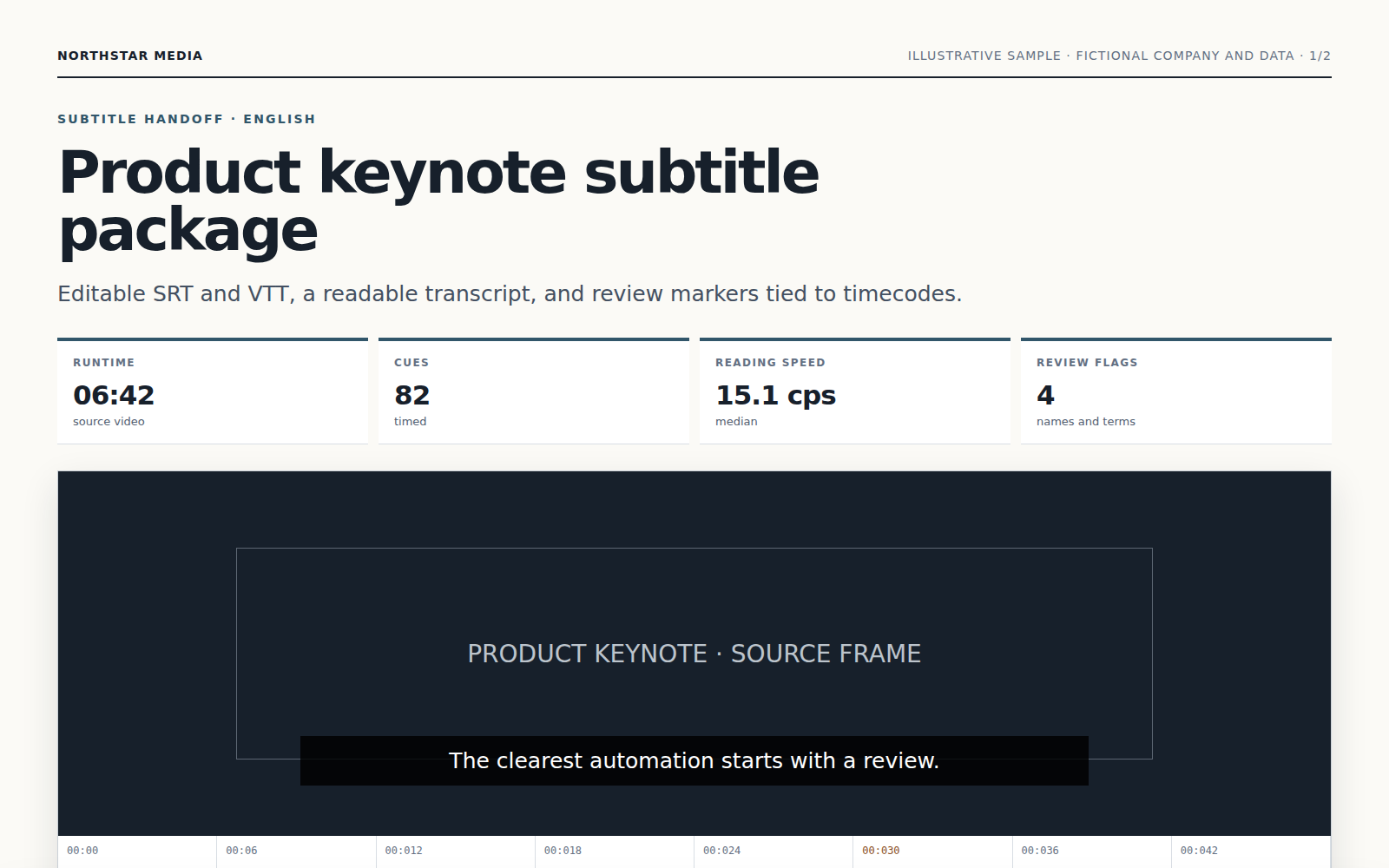
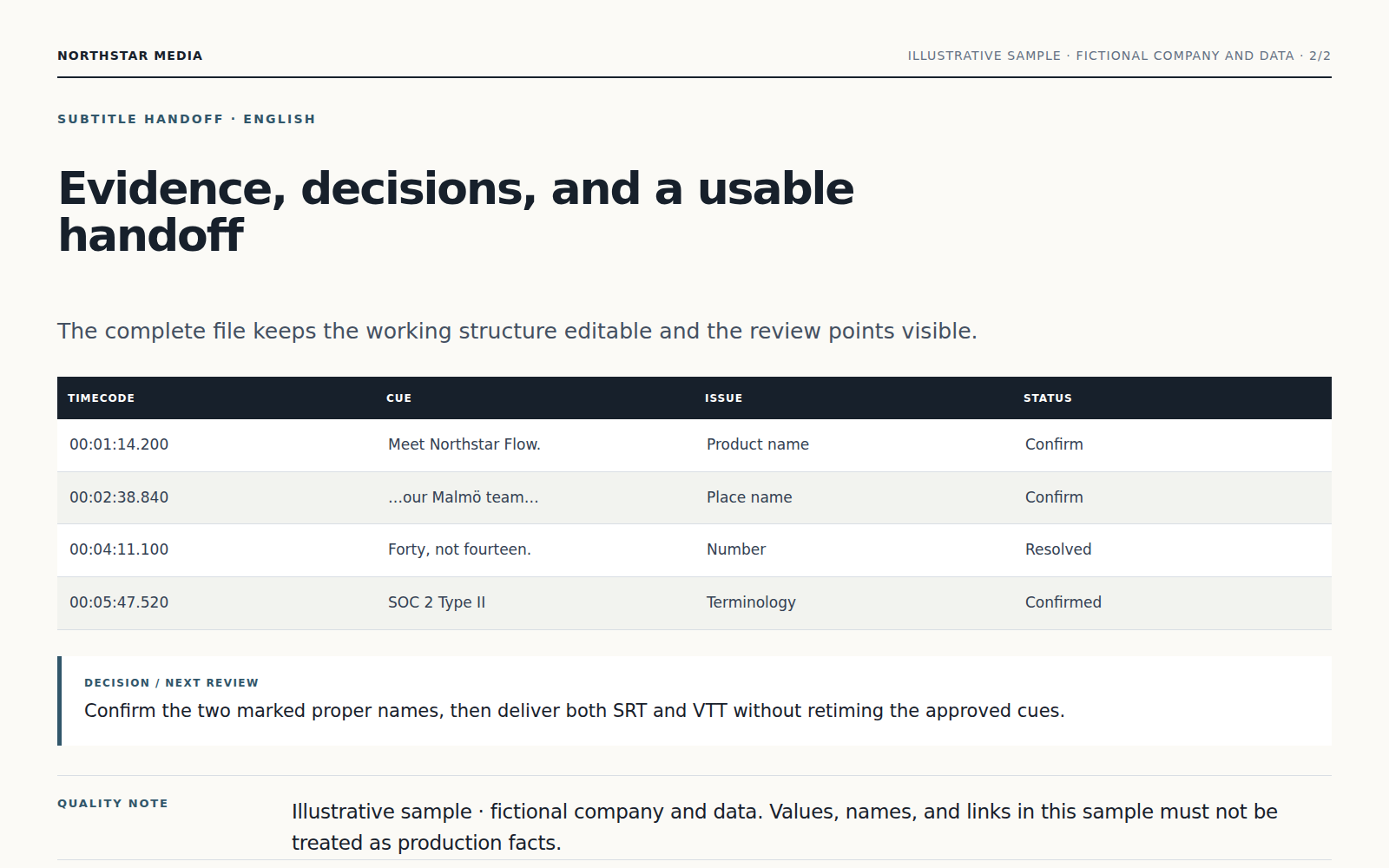
El Agent combina tus instrucciones con las fuentes en vez de aplicar una conversión automática.
La información importante queda vinculada a tu material y las dudas se señalan para revisión.
Recibes subtítulos sincronizados y editables que puedes revisar, descargar y mejorar sin empezar de cero.
Empieza con un archivo de vídeo y añade el público, el objetivo, las restricciones y el formato deseado.
Lee las fuentes, planifica el trabajo, usa las herramientas adecuadas y prepara subtítulos sincronizados y editables para tu revisión.
Sí. Revisa el entregable y pide explicaciones o cambios antes de utilizarlo.
Sí. Ajusta el enfoque, el texto, el alcance o el formato en la misma conversación.
Sigue trabajando con el mismo material sin mover archivos entre productos distintos.
Para transcripción de audio, añade un archivo de audio o video. El agente de Vecbase prepara archivos TXT, SRT y JSON de segmentos para revisar y ajustar.
Para producción de voz, añade un guion o borrador de episodio. El agente de Vecbase prepara audio terminado y archivos de proyecto editables para revisar y ajustar.
Para acta de reunión, añade una grabación, transcripción o notas de la reunión. El agente de Vecbase prepara un acta clara con decisiones y tareas para revisar y ajustar.
Vecbase
Para subtitulado de vídeo, añade un archivo de vídeo, indica qué es lo más importante y deja que el agente de IA de Vecbase prepare subtítulos sincronizados y editables, que podrás revisar y seguir ajustando.