


Understands the task, not just the file
The Agent transcribes speech, creates readable line breaks and timing, translates in context, and checks continuity across cuts.
Add a video and choose the languages. The Vecbase Agent creates readable timing, translates when requested, flags uncertain phrases, and returns subtitle files you can edit.
Upload the video and specify the spoken language, target language if translating, reading style, and any names or terminology.
The Agent transcribes speech, creates readable line breaks and timing, translates in context, and checks continuity across cuts.
Download editable SRT or VTT subtitles and continue correcting names, wording, timing, or translation choices.
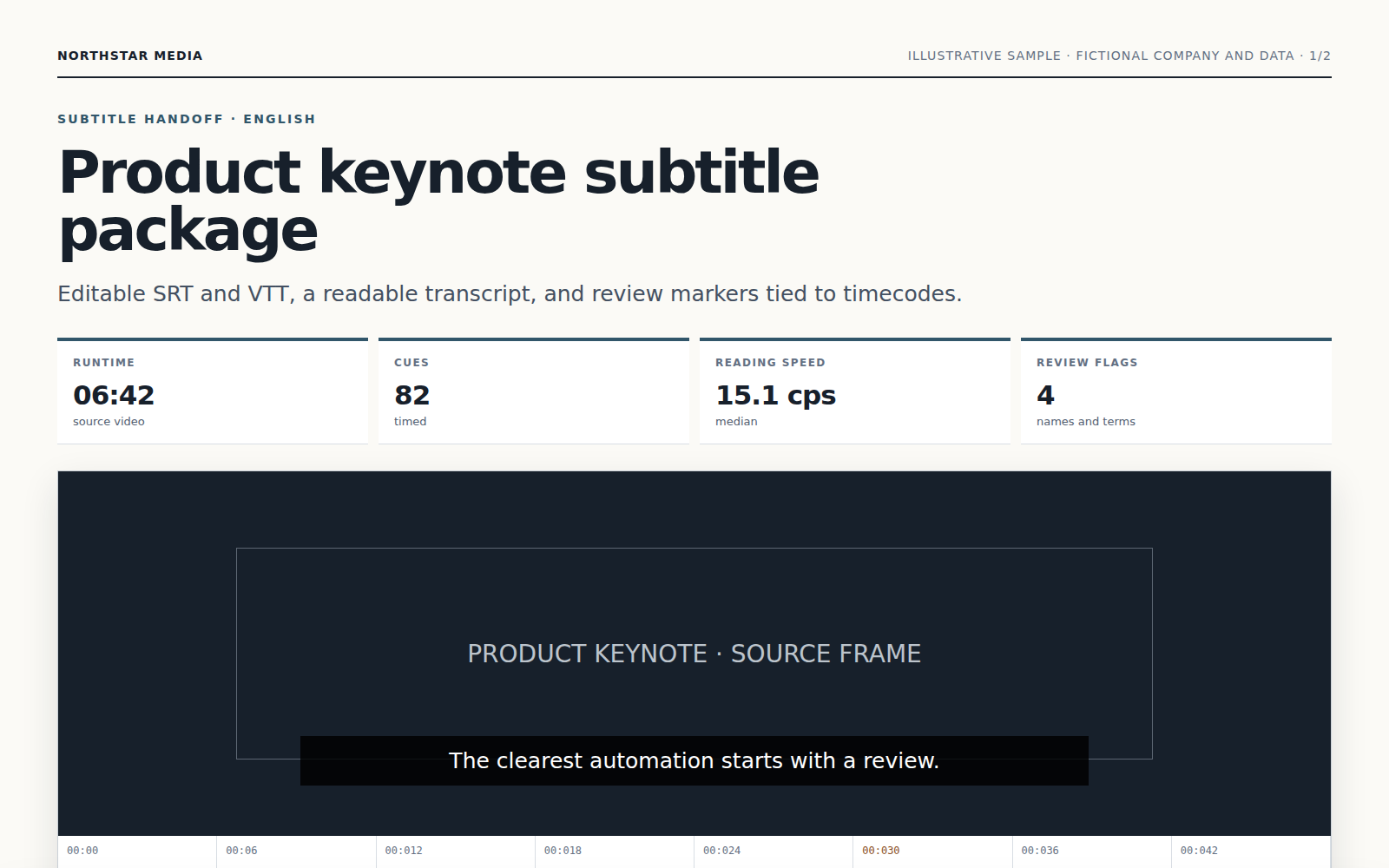
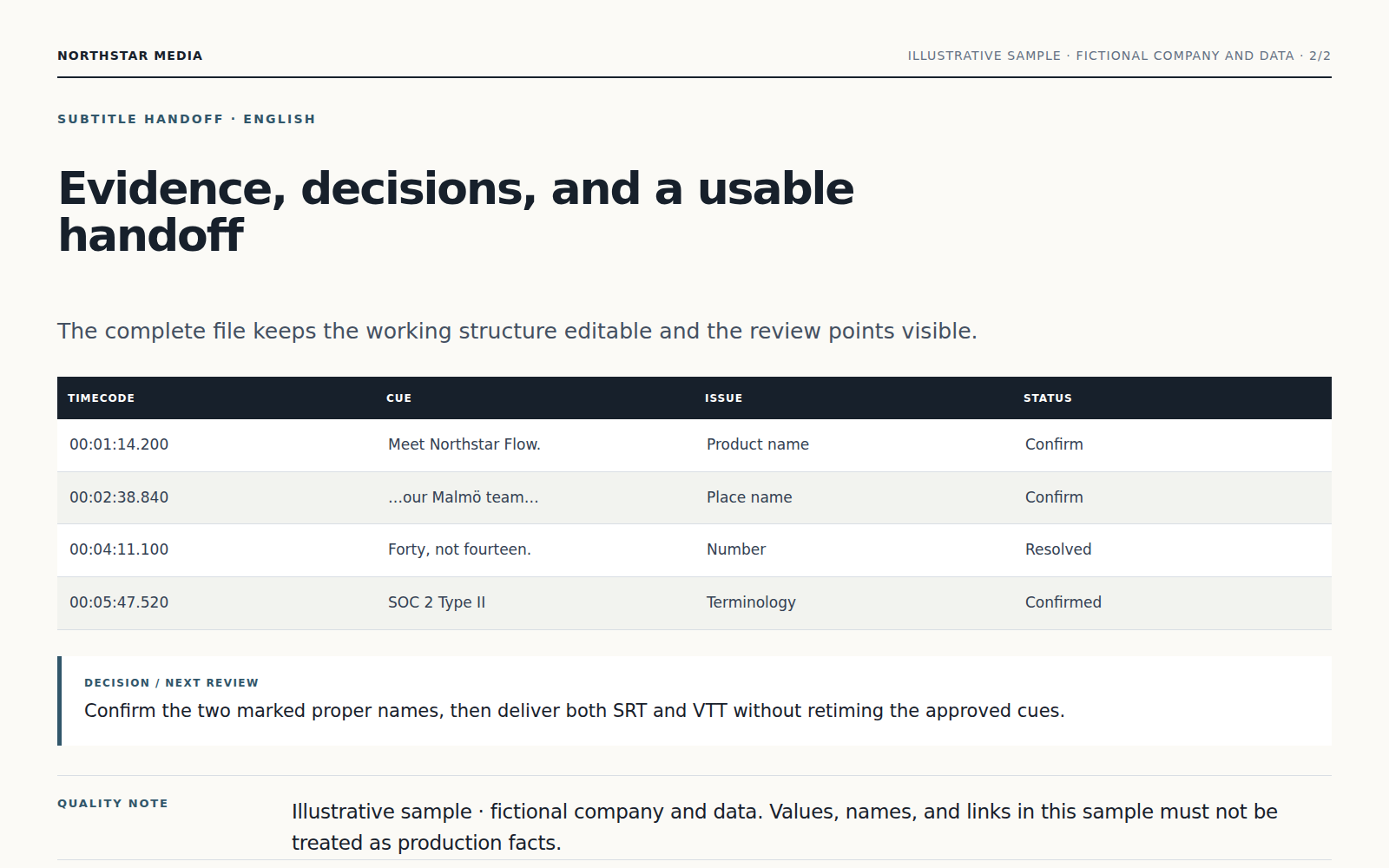
The Agent transcribes speech, creates readable line breaks and timing, translates in context, and checks continuity across cuts.
Unclear speech, uncertain names, and low-confidence phrases are marked with timestamps rather than silently guessed.
Download editable SRT or VTT subtitles and continue correcting names, wording, timing, or translation choices.
Upload the video and specify the spoken language, target language if translating, reading style, and any names or terminology.
The Agent transcribes speech, creates readable line breaks and timing, translates in context, and checks continuity across cuts.
Unclear speech, uncertain names, and low-confidence phrases are marked with timestamps rather than silently guessed.
Yes. Continue in the same conversation to change the focus, wording, scope, or format. Download editable SRT or VTT subtitles and continue correcting names, wording, timing, or translation choices.
Keep working with the same material without moving it between separate products.
Upload an audio or video file and turn speech into transcript.txt, transcript.srt, and segments.json. Continue with a Vecbase Agent to summarize, translate, or analyze the transcript.
Generate a finished voiceover from your script. Vecbase sets pronunciation and timing, mixes approved voices and music, and returns audio with editable stems.
Upload a meeting recording or notes. Vecbase transcribes and organizes the discussion into decisions, open questions, owners, and action items you can review.
Vecbase
For video subtitling, add a video file, explain what matters, and let the Vecbase Agent prepare timed, editable subtitles you can review and refine.