


Understands the task, not just the file
The Agent prepares the script for speech, handles roles and pronunciation, and balances pacing and levels for clear listening.
Add the script and describe the voices, pace, and tone. The Vecbase Agent prepares pronunciation and timing, then mixes authorized voices and music into a reviewable result.
Paste the script and describe the audience, tone, pace, roles, pronunciation, and intended use. Attach a reference when useful.
The Agent prepares the script for speech, handles roles and pronunciation, and balances pacing and levels for clear listening.
Receive the finished audio and production script, then continue revising individual lines, pacing, or delivery.
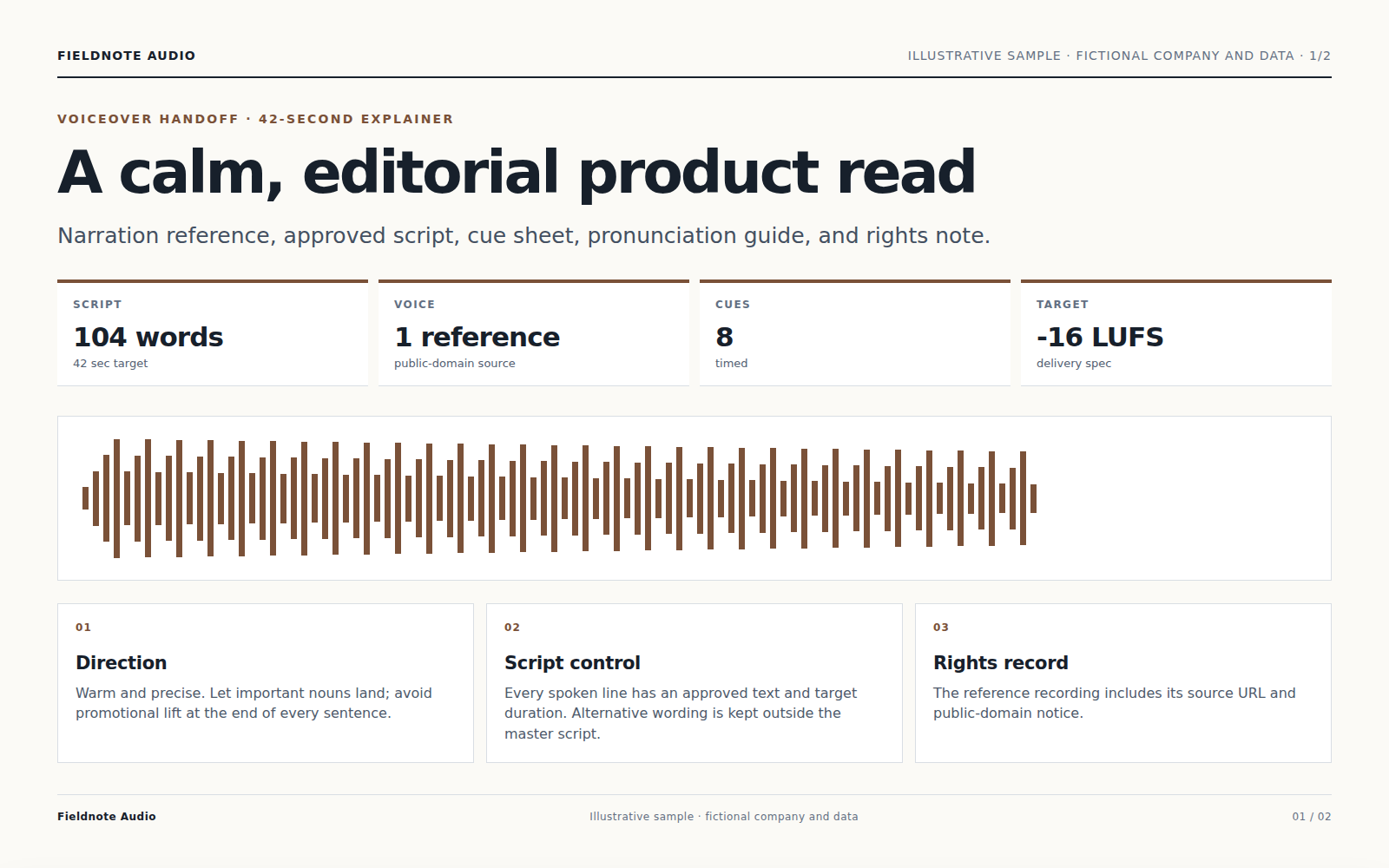
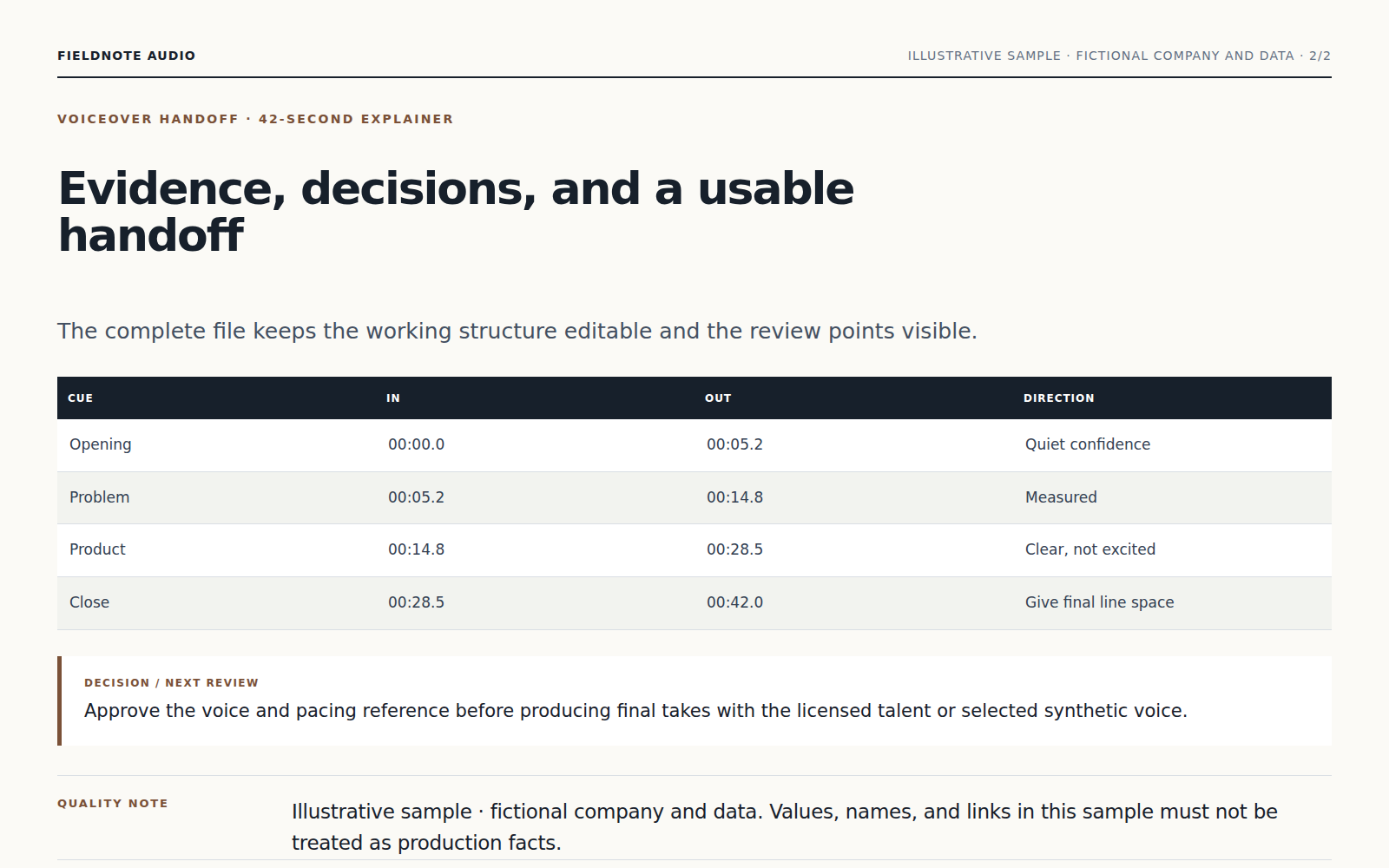
The Agent prepares the script for speech, handles roles and pronunciation, and balances pacing and levels for clear listening.
Voices and source material are used only within the authorization you confirm; the Agent does not imply consent or ownership.
Receive the finished audio and production script, then continue revising individual lines, pacing, or delivery.
Paste the script and describe the audience, tone, pace, roles, pronunciation, and intended use. Attach a reference when useful.
The Agent prepares the script for speech, handles roles and pronunciation, and balances pacing and levels for clear listening.
Voices and source material are used only within the authorization you confirm; the Agent does not imply consent or ownership.
Yes. Continue in the same conversation to change the focus, wording, scope, or format. Receive the finished audio and production script, then continue revising individual lines, pacing, or delivery.
Keep working with the same material without moving it between separate products.
Upload a video and choose the language. Vecbase creates a timed transcript, translates on request, and returns editable subtitles plus an optional burned-in video.
Upload a meeting recording or notes. Vecbase transcribes and organizes the discussion into decisions, open questions, owners, and action items you can review.
Vecbase
For voiceover, add a script or episode draft, explain what matters, and let the Vecbase Agent prepare finished voice audio and editable project files you can review and refine.