


Comprend la mission
L’Agent combine vos consignes et vos sources au lieu d’appliquer une conversion automatique.
Ajoutez les sources nécessaires (un PDF et vos préférences terminologiques) et précisez vos attentes. L’agent prépare le livrable suivant : un PDF traduit avec une mise en page lisible, que vous pouvez vérifier et affiner.
Fournissez un PDF et vos préférences terminologiques et les informations importantes pour cette mission.
L’Agent analyse les sources, suit vos consignes et prépare un PDF traduit avec une mise en page lisible.
Contrôlez le livrable, demandez des modifications dans la même conversation, puis téléchargez la version finale.
Ouvrez le fichier complet ou parcourez les pages clés ci-dessous.
Ouvrir le fichier complet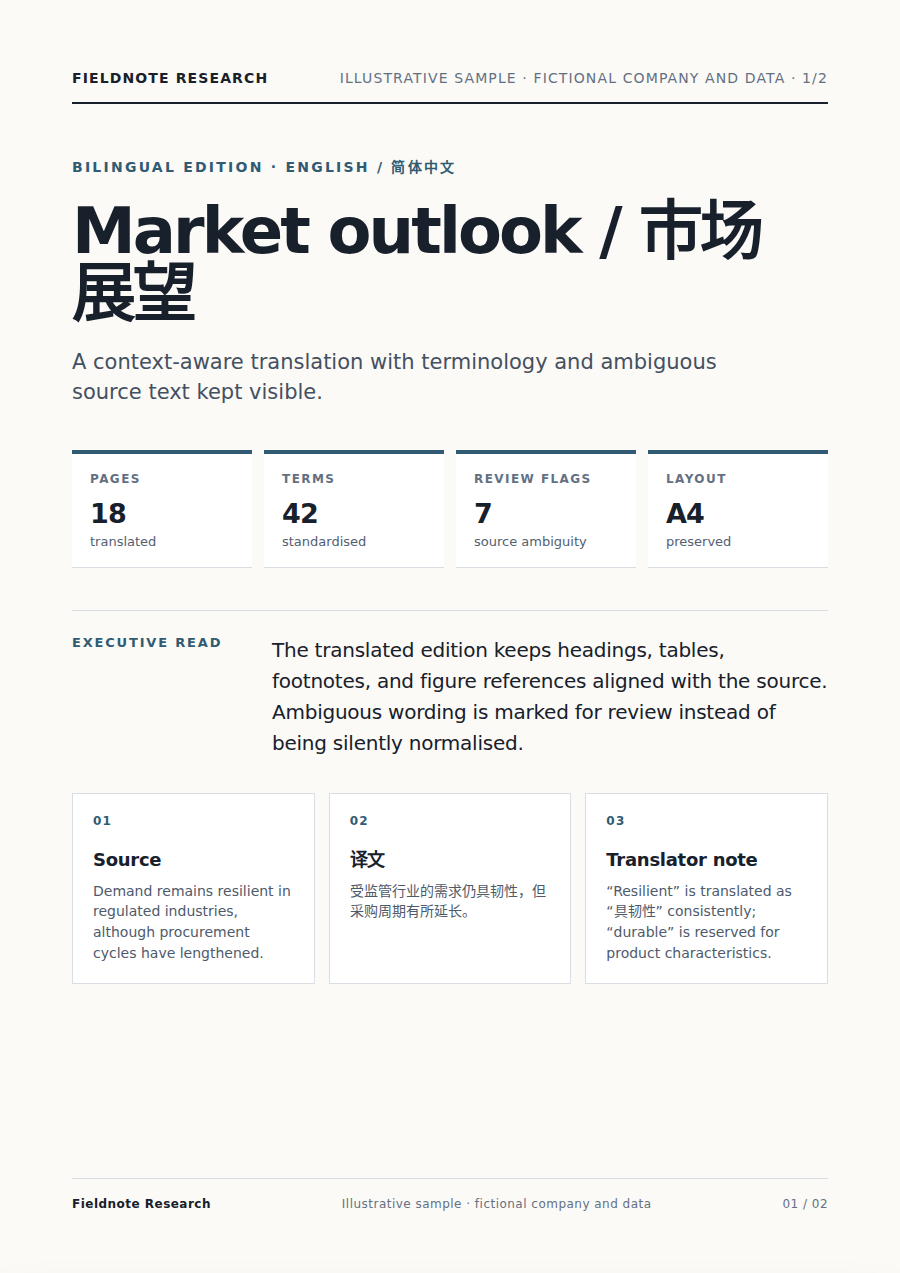
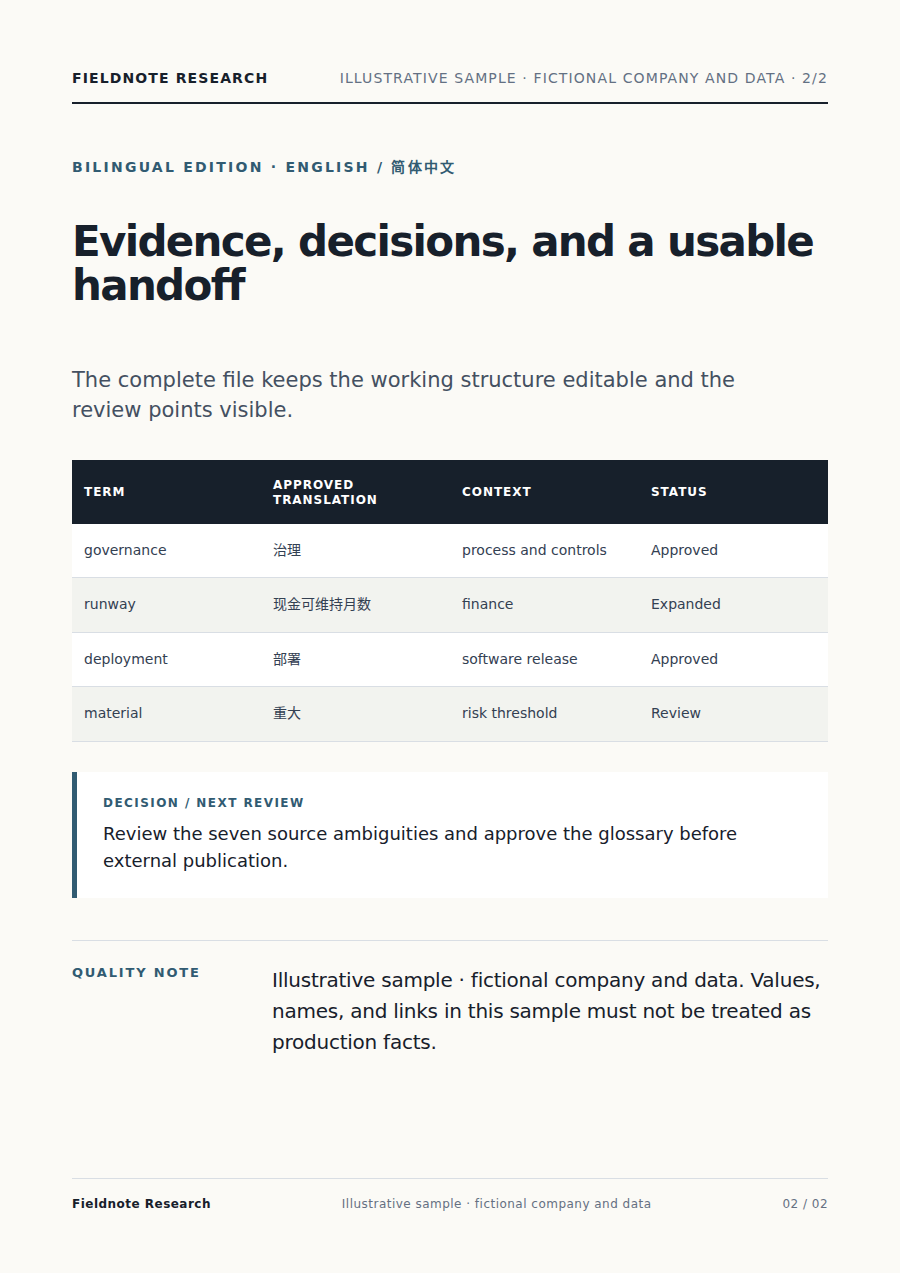
L’Agent combine vos consignes et vos sources au lieu d’appliquer une conversion automatique.
Les éléments importants restent liés aux contenus fournis et les incertitudes sont signalées.
Vous obtenez un PDF traduit avec une mise en page lisible que vous pouvez vérifier, télécharger et améliorer sans repartir de zéro.
Commencez par un PDF et vos préférences terminologiques, puis indiquez le public, l’objectif, les contraintes et le format souhaité.
Il lit les sources, organise le travail, utilise les outils adaptés et prépare un PDF traduit avec une mise en page lisible pour validation.
Oui. Examinez le livrable et demandez une explication ou une modification avant de l’utiliser.
Oui. Dans la même conversation, ajustez le fond, la formulation, le périmètre ou le format.
Poursuivez le travail sur les mêmes sources sans les déplacer entre plusieurs produits.
Pour conversion de PDF en Word, ajoutez un fichier PDF. L’agent Vecbase prépare un document Word modifiable qui conserve la mise en page à vérifier et modifier.
Pour OCR de tableaux, ajoutez une image, un scan ou un PDF contenant un tableau. L’agent Vecbase prépare une feuille de calcul modifiable à vérifier et modifier.
Pour revue de littérature, ajoutez des articles, une bibliographie ou une question de recherche. L’agent Vecbase prépare une revue avec des citations vérifiables à vérifier et modifier.
Vecbase
Pour traduction de PDF, ajoutez un PDF et vos préférences terminologiques, précisez vos priorités et laissez l’agent IA Vecbase préparer un PDF traduit avec une mise en page lisible, que vous pourrez vérifier et affiner.