

Clean the data — and keep the recipe

Drop in a messy export — dates in four formats, currencies that don't match, duplicate rows, garbled characters. You get back two things in your Drive: the cleaned spreadsheet, and the little Python script that did the cleanup. Next month's export? Run the script yourself, or hand it to engineering.

A peek at what you get

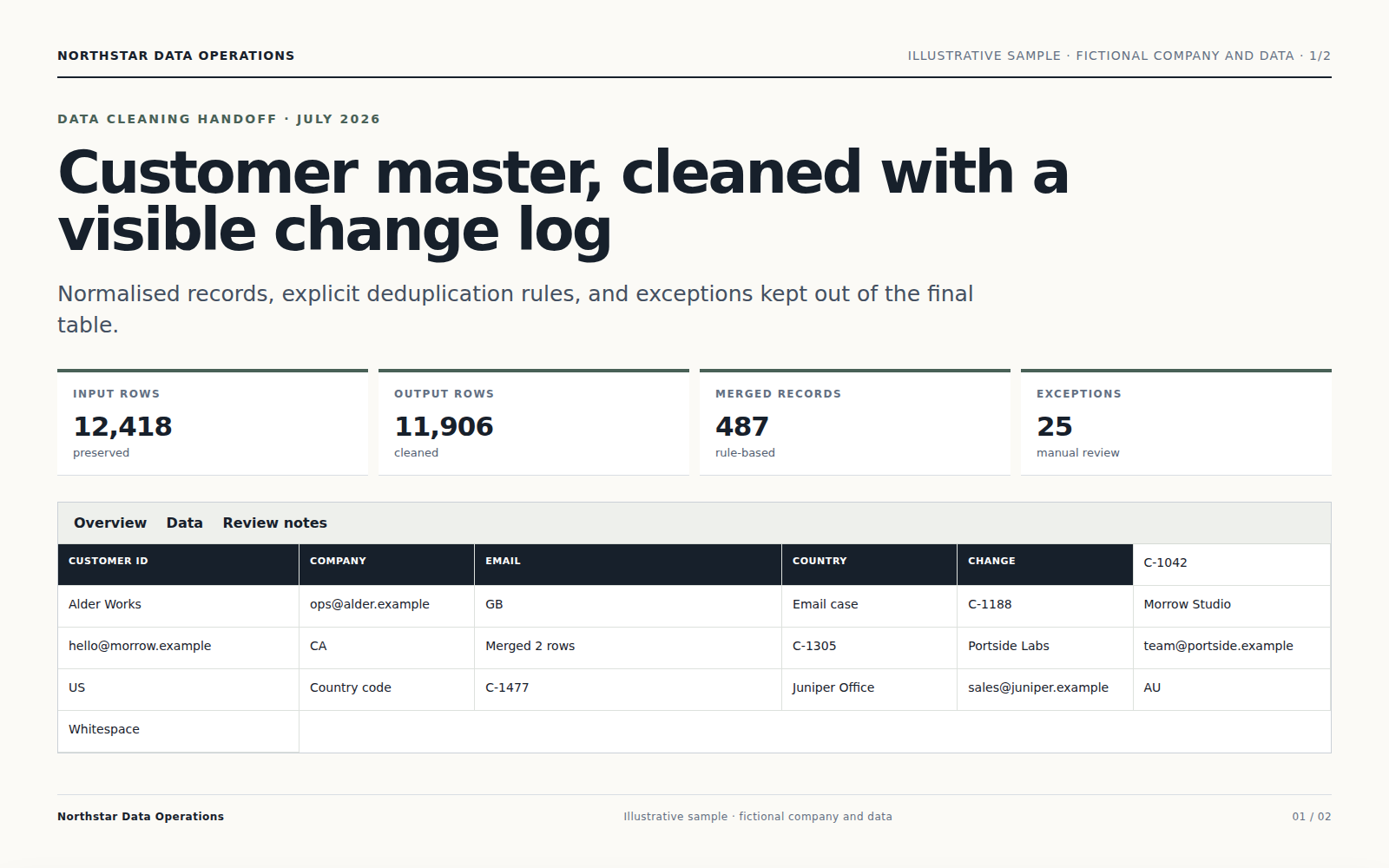
Cleaned sheet
Page 1 of 2·Cleaned sheet
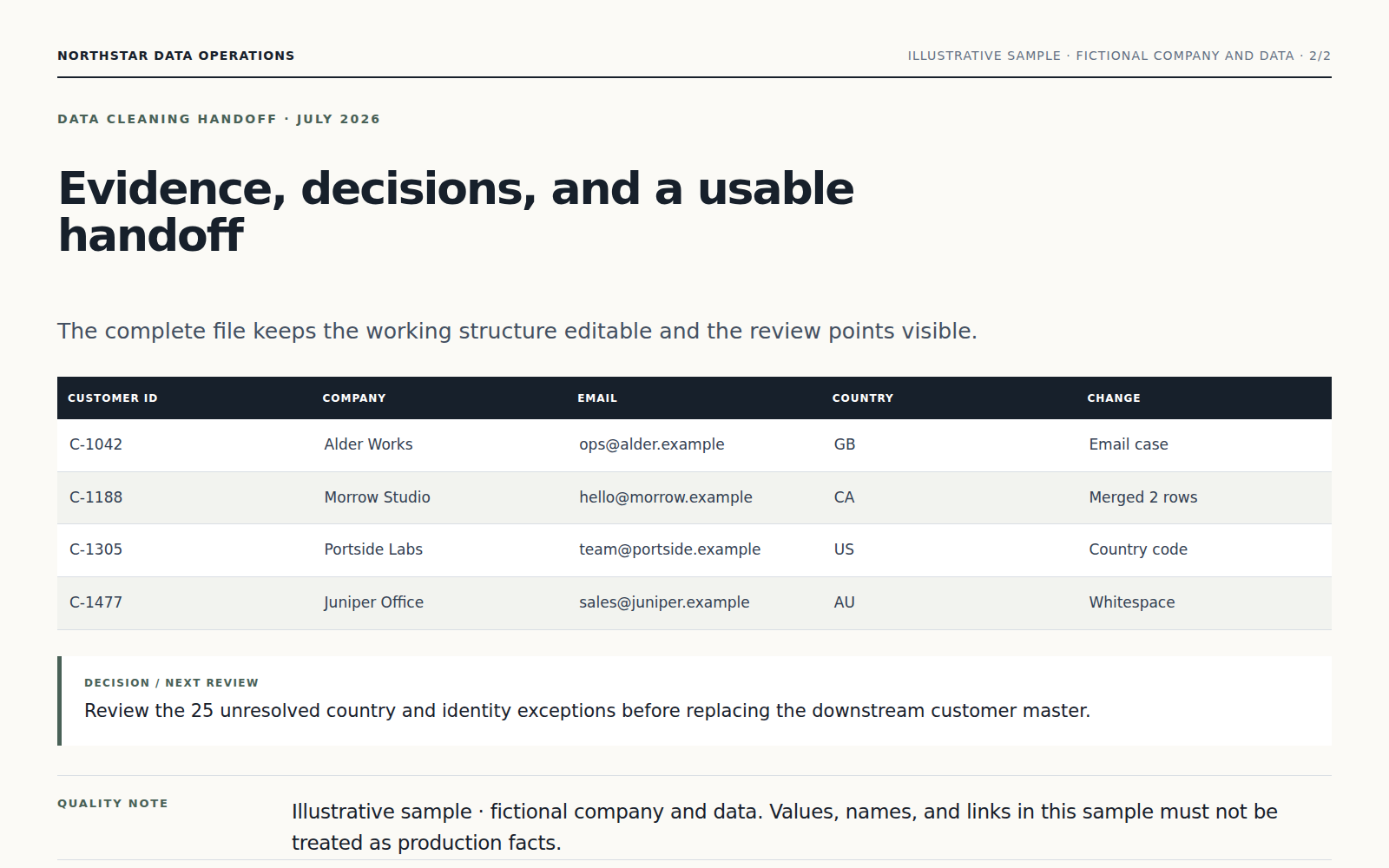
Cleanup report
Page 2 of 2·Cleanup report

Watch the sandbox clean it · live terminal

No silent black box. The Agent runs real pandas in an isolated sandbox and you can see exactly what it touched, what it inferred, and what it flagged for you to decide.

sandbox stdout · in real timeisolated
[02:14:09]pandas.read_csv('crm-export-messy-may.csv', encoding='auto')
[02:14:11]detected encoding: utf-8-sig
[02:14:11]rows: 14,832 · cols: 11
[02:14:12]trimmed whitespace · 412 cells
[02:14:13]normalized currency · $/¥/€ → USD float · 84 cells
[02:14:13]ambiguous date format on row 1247: '05/06/2024' could be DD/MM or MM/DD
[02:14:13]↳ inferred MM/DD from neighbors (87% confidence)
[02:14:14]merged industry variants · FinTech | Fintech | FIN-TECH → Fintech · 23 cells
[02:14:15]parsed dates → ISO YYYY-MM-DD · 4 formats unified · 18 cells
[02:14:16]repaired CP1252→UTF-8 mojibake on accented names · 47 cells
[02:14:17]dropped exact duplicates · 6 rows · logged to dupes_removed
[02:14:18]6 near-duplicate rows · flagged for human review
[02:14:18]saved: cleaned.xlsx (2.1 MB)
[02:14:18]saved: scripts/crm-cleanup-2026-05.py (3.2 KB)
$
Same pipeline · in tool-call form
read_csvauto-detect encoding
run_pythonclean.py · 7 cols
run_pythonvalidate.py · 14,832 rows
write_xlsx+ Changes sheet
write_python_scriptsave to Drive

Not just clean data · a recipe for next time

Two files land in your Drive — the cleaned .xlsx, and the actual Python script the Agent wrote to do the work. Run it again next month with new data — same rules, no Vecbase needed. Or paste it to your data engineer.

Saved to Drive
crm-export-cleaned-may.xlsx
2.1 MB
cleaned
crm-cleanup-2026-05.py
3.2 KB
Re-run next month

Schedule it for the 1st of every month, pointing at /imports/crm-latest.csv — same rules, zero touch.

crm-cleanup-2026-05.pyPython
1import pandas as pd
2from rules import INDUSTRY_MAP, REGION_MAP
3
4# auto-generated · 2026-05-11 02:14 UTC
5df = pd.read_csv("crm-export.csv", encoding="utf-8-sig")
6
7df["arr_usd"] = (
8 df["arr"].str.replace(r"[\$,€¥]", "", regex=True)
9 .str.replace("K", "e3").astype(float)
10)
11
12df = df.assign(
13 industry=df["industry"].str.upper().map(INDUSTRY_MAP),
14 region=df["region"].map(REGION_MAP),
15 last_contact=pd.to_datetime(df["last_contact"], errors="coerce"),
16)
Run locally · python cleanup.py crm-export-june.csv

How it works

Step 01

Drop the messy file

Drag any CSV, TSV, Excel, or JSON file in. The Agent figures out the encoding, the delimiter, the header row, and the column types on its own — even if your export tool got creative.

Step 02

Tell the Agent what counts as clean

Type your rules in chat — "USD only", "drop deals under $500", "use the standard SIC list for industries", "flag blank emails, don't delete them". Anything ambiguous, the Agent asks before deciding; nothing gets quietly thrown away.

Step 03

Get cleaned data + the script

Two files land in your Drive: the cleaned spreadsheet, and a small Python script (`cleanup.py`) you can run again anytime. Set it on a weekly schedule, hand it to a data engineer, or just open it next month when new data arrives.

Why Vecbase for this

Catches the mess your eyes skim past

Dates in mixed formats. Currency symbols hiding in number columns. Garbled characters from the wrong encoding. Three spellings of the same industry. The Agent finds all of it before touching a single row.

You keep the script, not just the file

Every cleanup leaves a real Python script in your Drive. Next month's export — run it yourself. Want to tweak a rule — open it in any editor. After the first run you don't even need to come back to Vecbase.

Asks before dropping anything ambiguous

Near-duplicates, low-confidence guesses, suspicious outliers — the Agent puts them in a "needs review" sheet with context instead of quietly deleting. You call the edge cases.

Handles million-row files without choking your browser

Open a 3-million-row export in your browser and it freezes. Upload it here and the work happens off your laptop, with real memory and real processing power. Drop the file, walk away, come back to a finished result.

Frequently asked

200 MB through the upload UI. Larger? Drop it in your workspace bucket first and just point the Agent at the path — it'll stream it through the sandbox. Multi-million-row CSVs are routine.

Get yours in under 90 seconds

Sign in, hand it over to the Agent — the finished file lands in your Drive.