


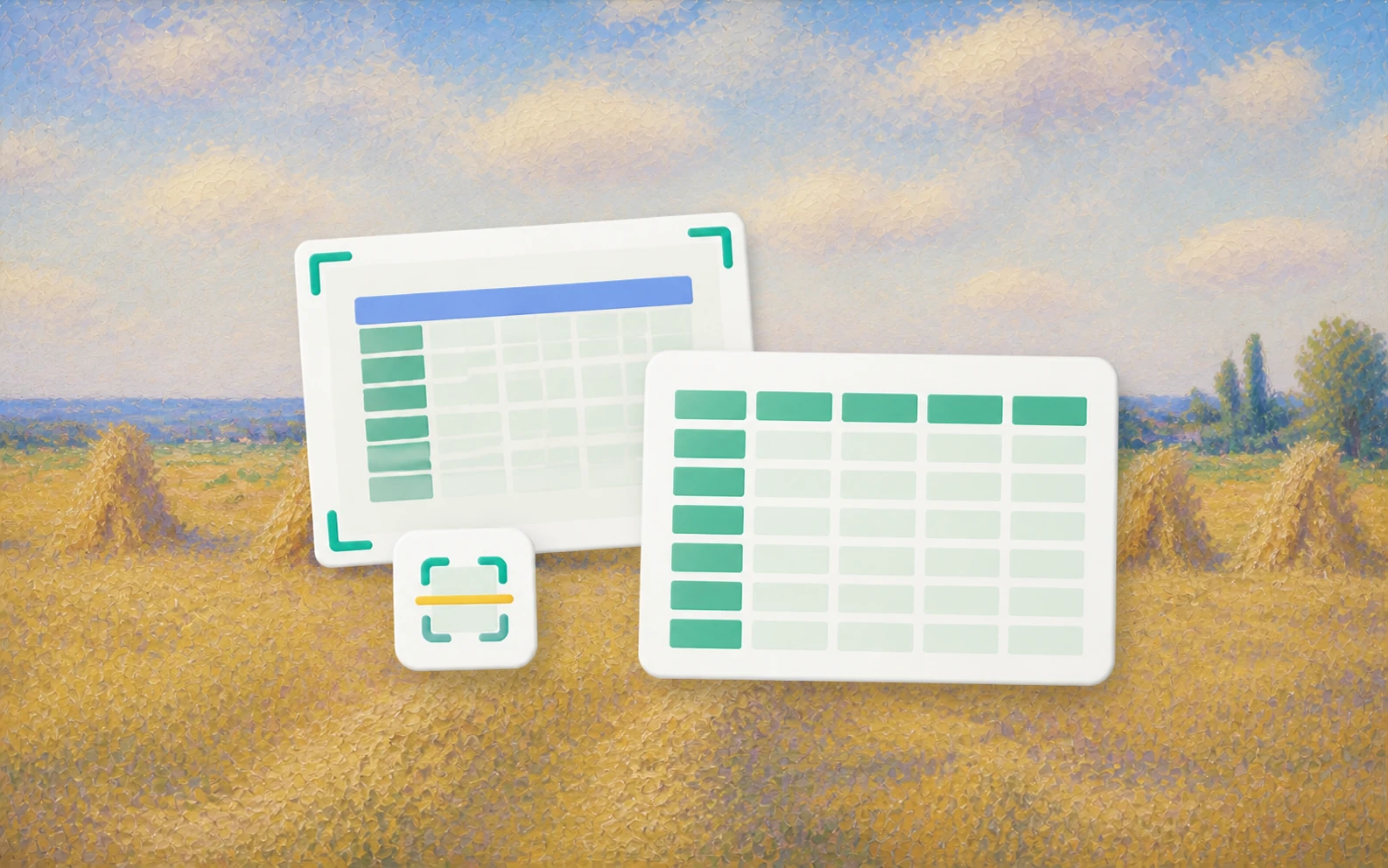
A snapshot of a table, into a sheet you can edit
Photos, scans, screenshots, or PDFs. The agent rebuilds rows, headers, and number formats into a workbook you can open and change.
Start convertingUpload a table image, scan, or screenshot. Get an editable spreadsheet. Uncertain cells are marked.
One painting, one job. Reading the characters is not the end.
Photos, scans, screenshots, or PDFs. The agent rebuilds rows, headers, and number formats into a workbook you can open and change.
Start convertingThermal fade, handwriting, glare, and skew drop confidence. Those cells stay flagged so you can check them.
See how review works
Expenses can be grouped by flight, hotel, and meals. A long table shot in pieces can be stitched back. One sentence is enough.
Add a batch of photosJPG, PNG, HEIC (iPhone), and scanned PDFs (single or multi-page). Phone snapshots, screenshots of web tables, scanner outputs, photographed whiteboards all work. Camera EXIF orientation is read so sideways phone photos right themselves.
On printed tables with reasonable lighting, > 99% character accuracy. On receipts with thermal-paper fade, mixed handwriting + print, or motion blur, individual cell confidence drops — but those cells get explicitly flagged in the output rather than silently filled. You always know what to spot-check.
Yes, with caveats. Clearly written numbers and short labels are recognized; cursive notes or unusual abbreviations may need a human pass. Handwritten cells are always tagged in a "Confidence" column so you can filter and review them quickly.
Up to 50MB per batch, which usually means 50-100 photos depending on resolution. Larger sets can be processed as a folder of files.
Convert PDF files into editable Word documents online. A Document Assistant can OCR scanned pages, rebuild tables and columns, and deliver a review-ready DOCX.
Clean CSV data with explicit rules. Vecbase profiles errors and returns a cleaned spreadsheet with a change log and reusable script.
Upload a PDF with any terminology preferences and choose the language. Vecbase returns a translated PDF with a readable layout, preserved tables, and flagged uncertainties.
Vecbase
For image to Excel, add a table image, scan, or PDF, explain what matters, and let the Vecbase Agent prepare an editable spreadsheet you can review and refine.