
Get an editable Word doc back from your PDF

Tables stay as tables. Columns stay as columns. Even scanned pages come back as real text you can edit. The .docx you get is a proper Word document — not a wall of unformatted text you have to clean up.

A peek at what you get

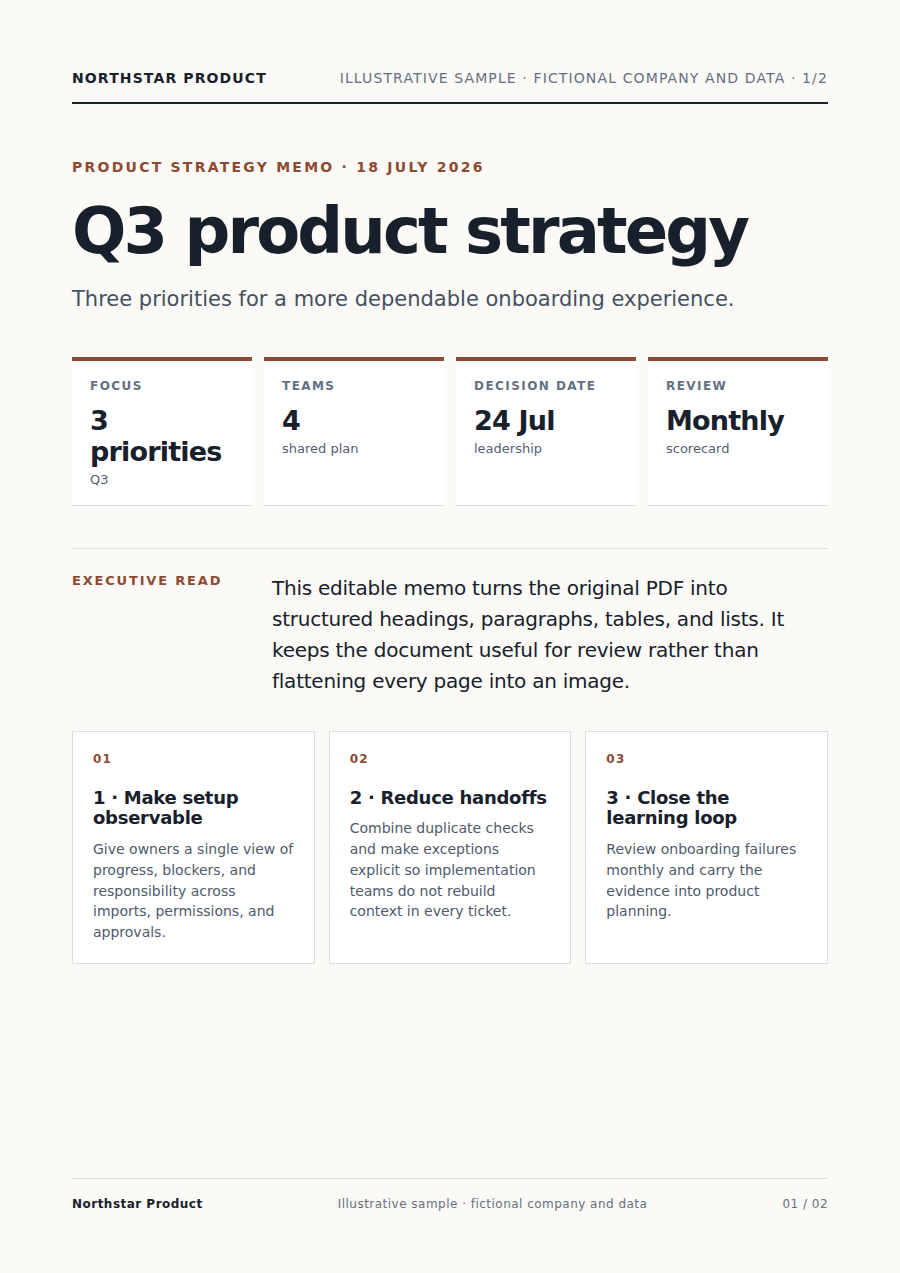
Title page
Page 1 of 4·Title page
Three bets
Page 2 of 4·Three bets
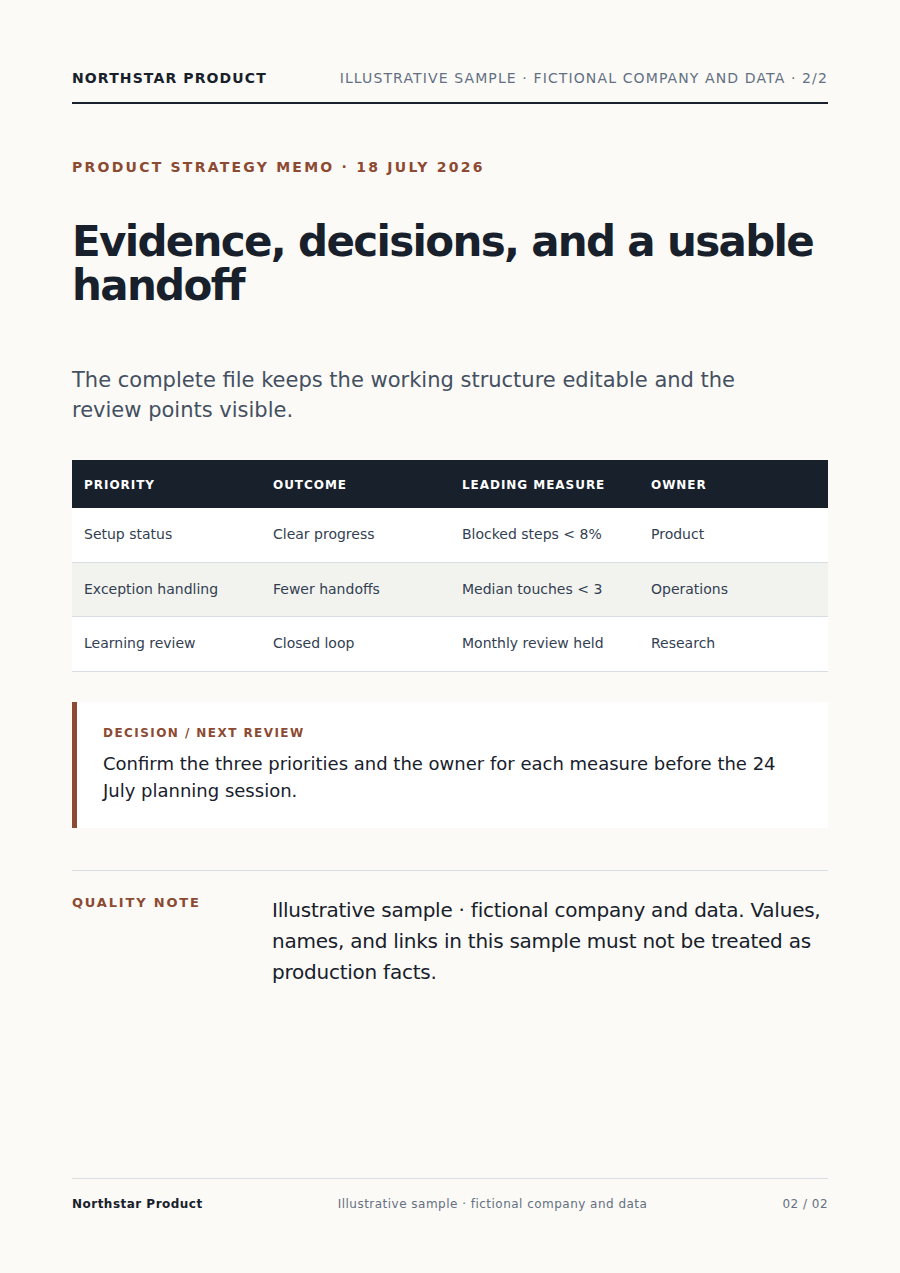
Allocation table
Page 3 of 4·Allocation table
Decision & appendix
Page 4 of 4·Decision & appendix

Layout fidelity, not text extraction

Most "PDF to Word" tools give you a wall of unformatted paragraphs. Vecbase Agent rebuilds the document — tables stay tables, columns stay columns, fonts get matched.

BEFORE
broken

Original PDF · messy tables, broken columns

AFTER
table

DOCX · tables stay tables, fonts matched

Inside the sandbox — every step is a real tool call
parse_pdfReducto · layout-aware
run_pythonpandoc + table-detect
edit_fileoutput.docx

Run the same conversion on a whole Drive folder

Happy with how one PDF came out? Save the settings, point them at a Drive folder, and the Agent converts every file in there the same way — overnight if you want.

Acme · PDF batch convert

OCR scanned pages · preserve tables and columns · output .docx + extracted .xlsx · mirror Drive folder structure

Used 132×by @ops-team
Drive / legal / vendor-contracts-2026done
msa-acme-q1-2026.docx
78 KB
sow-lumen-platform.docx
82 KB
nda-fieldstone-march.docx
91 KB
Batch run · 14 PDFs in folder · 14 .docx produced · 0 errors

How it works

Step 01

Drop your PDF

Regular PDFs or scans — either works. Vecbase looks at each page and figures out whether the text is already there or needs to be read off the image.

Step 02

Tell Vecbase how you'll use it

One sentence is enough — "I need to edit the tables", "I'm pasting this into Notion", "pull the tables out as Excel". The output adapts to what you're doing next.

Step 03

Download the .docx

Usually 10–40 seconds. Long scanned PDFs can take 1–2 minutes. The file also lands in your Drive — open it in Word, Pages, or Google Docs.

Why Vecbase for this

Looks like the original, not a text dump

Tables come out as real Word tables you can edit cell by cell. Two-column layouts stay two-column. Heading sizes match. Fonts get mapped to the closest match on your computer — not flattened to one block of Calibri.

Scans come back as real text

For pages that are just images, Vecbase reads the text off the picture before rebuilding the document. Pages where it isn't 100% sure get flagged for you — so you know exactly where to look.

Every conversion is saved to your Drive

Source PDF and the new .docx both land in your private Drive. Re-download any time, share by link, or hand the .docx to Vecbase for the next thing — no more "where did that file go".

Do a whole folder at once

Like how one file turned out? Save those settings. Point Vecbase at a folder in your Drive and it'll work through every PDF in there overnight — same settings, same look, every file.

Frequently asked

Yes. The Agent detects image-only pages, runs OCR in the sandbox (Tesseract + layout-aware pipeline), and then rebuilds the document. Mixed PDFs — some pages native text, some scanned — are handled page by page.

Get yours in under 90 seconds

Sign in, hand it over to the Agent — the finished file lands in your Drive.